
Set up a project before creating work orders
Short answer
A project is the container for the customer relationship in WorkSkedge. Complete every setup step in order — customer, job-site location, contacts, managers — before you create the first work order.
On this page
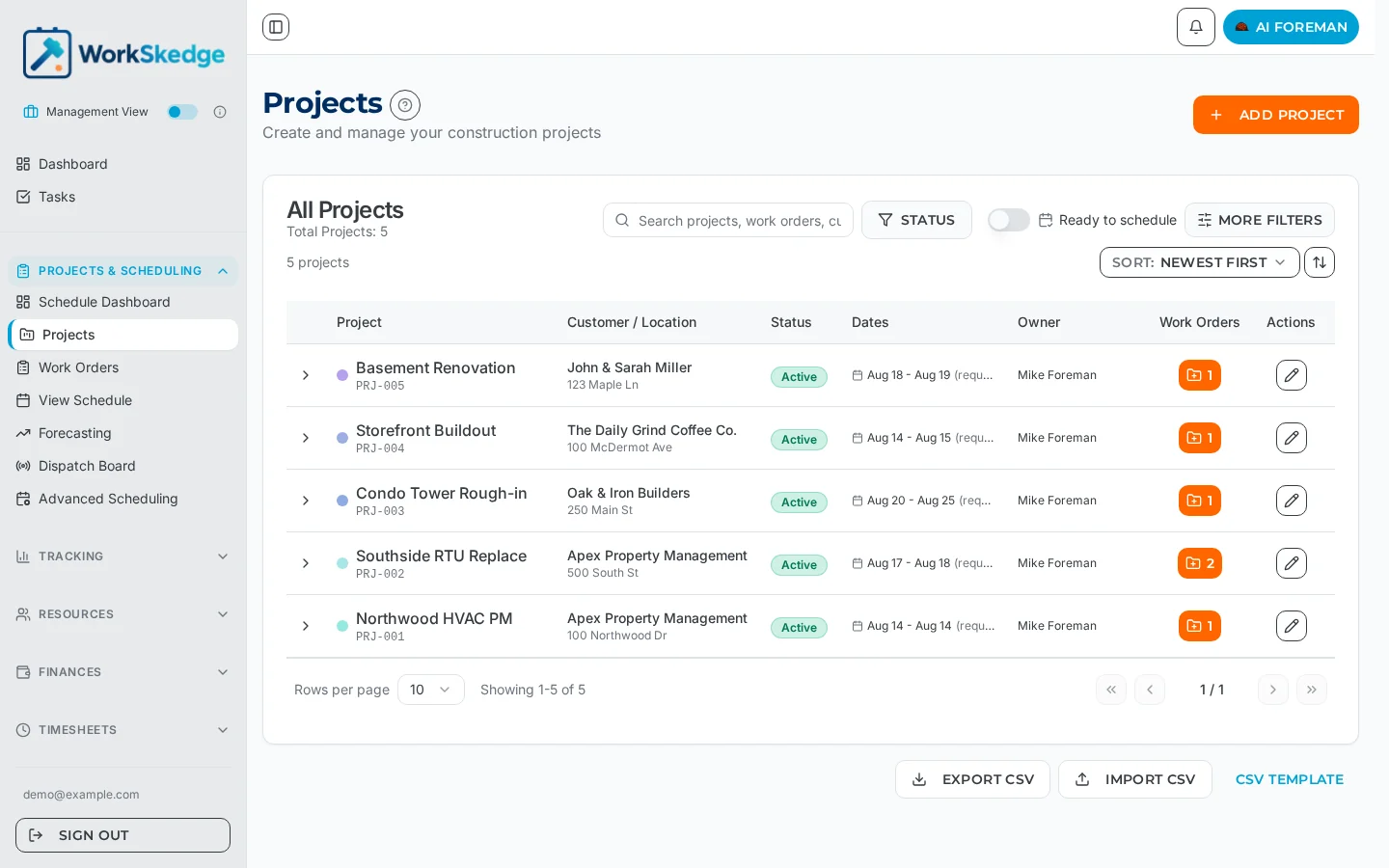
Status requirements before work-order creation
- Advanced Status Mode — the project must be
approvedoractive. Work-order creation is blocked onlead,estimating,pending_approval,complete,closedandjob_lost. - Simple Status Mode — the project must be
active. Creating a work order on aclosedproject reverts it toactive; re-open the project intentionally instead.
Advance a project through its statuses from the project header's "..." actions menu (Approve / Mark as Job Lost / Mark Complete / Close Project) or the Status dropdown in the project's Edit form.
Steps
- 1Create the project with its code, name and customer.
- 2Assign Project Managers (project owners).
- 3Link the customer location for the job site.
- 4Link project contacts and mark one as primary.
- 5Fill in custom fields, scope, documents and equipment.
- 6In Advanced Status Mode, walk the project from lead to estimating to pending approval to approved.
- 7Only then create work orders against the project.
Why setup order matters
A project holds the customer relationship, the job-site location and the money. Work orders hang off it. If the project is incomplete, every downstream record inherits the gap: schedules land without a site address, invoices miss the billing contact, and job costing has nothing to roll up to.
Creating a work order also flips the parent project to active regardless of its current status. In Advanced Status Mode that bypasses the sales and estimating pipeline and fires lifecycle notifications out of order — so never create a work order as a way to "activate" or "set up" a project.
If you only need to add a contact, location or owner
That is project setup, not a reason to create a work order. Edit the project itself.
Frequently asked questions
Can I create a work order on a project that is still in estimating?
No. In Advanced Status Mode work-order creation is blocked on lead, estimating, pending_approval, complete, closed and job_lost projects. Advance the project to approved first using the actions menu in the project header.
What happens if I create a work order on a closed project?
In Simple Status Mode the project reverts to active. Re-open the project deliberately instead of using work-order creation as a shortcut, so the status change is intentional and auditable.
How do I add a job-site address to an existing project?
Edit the project and link the customer location for that job site. Location, contacts and project managers are all project-level setup, not work-order fields.
Was this article helpful?
Still stuck?
Send us the article name and what you expected to happen.
Last verified August 30, 2026