Finances
WorkSkedge Pricebook: Your Blueprint for Profit
Learn how to configure the WorkSkedge Pricebook to accurately track material, equipment, labor, and service costs while managing resale prices and job margins.
August 17, 2026
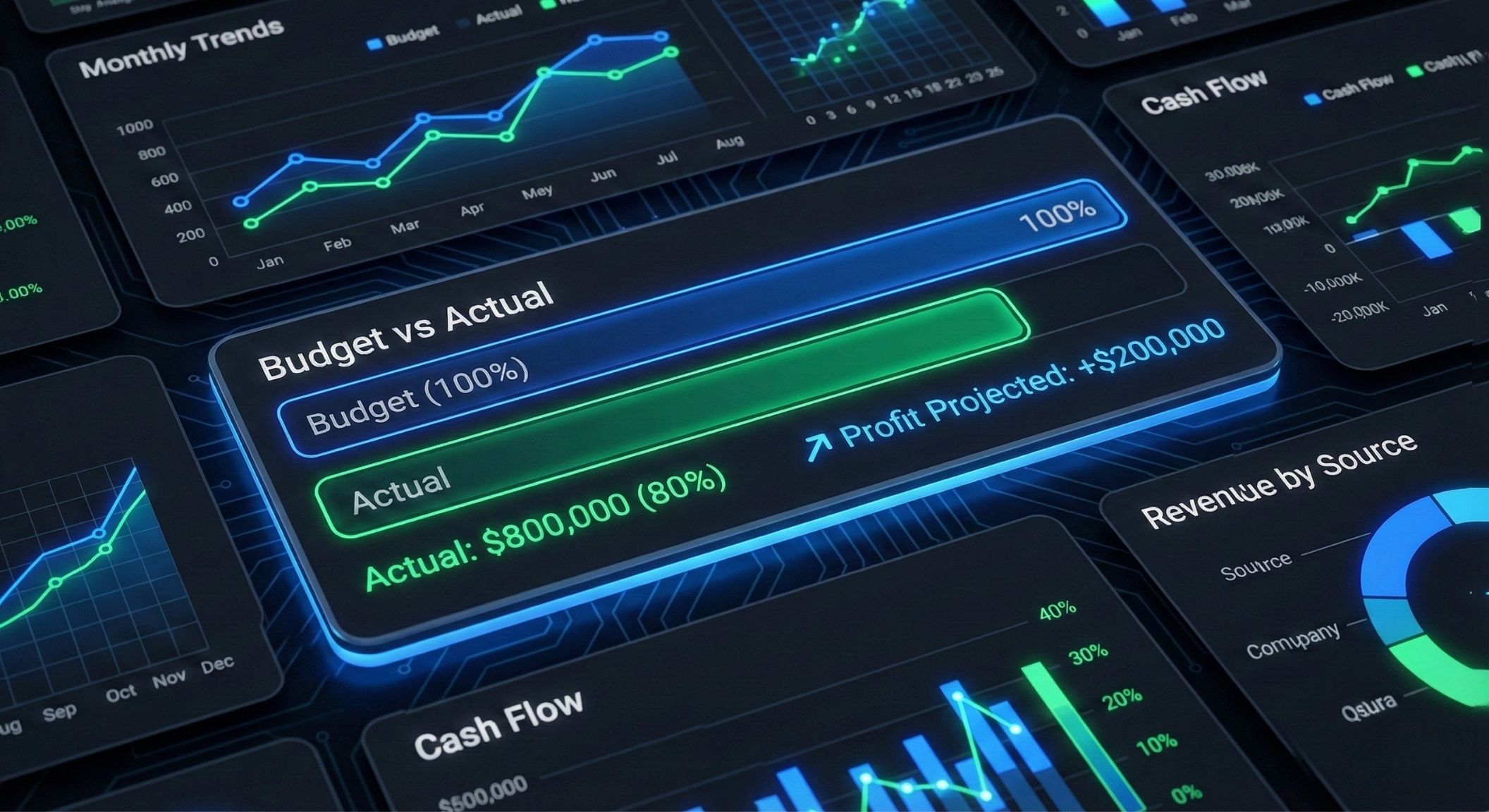
Most software tells you if you were profitable after the job is done. WorkSkedge tracks Labor, Materials, and Equipment as they happen, so you see the score while there's still time to win.
See the Financial DashboardNever sell a part at cost again.
Define your desired margin (e.g., 40%) at the Category level. If your supplier raises the price of copper pipe, your resale price updates automatically.
Category-Level Margins
Set markup rules once and let them cascade
Automatic Updates
Supplier price changes flow through instantly
Flat Fee Overrides
Set custom pricing for specific items or customers
The Result: Your price book manages itself.


The "Usage Record" tracks every screw, hour, and mile.
Field Capture
Crew scans a part or logs equipment hours in the field app.
The Snapshot
We lock the cost at the moment of usage. If the price changes tomorrow, your historical job cost stays accurate.
No Leakage
Ensure 50% of a box of wire gets billed to Job A, and the rest stays in inventory.
The Difference: Most apps just track receipts. You track consumption.
Control spending before the card is swiped.
Set "Not-To-Exceed" budget limits on POs. If a vendor tries to overcharge, the system alerts you.
Guardrails: Prevent budget overruns before they happen.
Crews request materials from the app; you approve them in the office.
Photos of receipts attach directly to the PO and the Job Cost.
Labor is your biggest cost. Track it to the penny.
Auto-Load
Timesheets pre-fill from the schedule. Workers just click "Confirm".
Burden Rates
Track the true cost (wages + taxes + benefits) against job budgets.
Payroll Ready
One click exports approved hours to your payroll provider.
Every timesheet entry is a line item in your job cost report.
77% of budget used · $11,500 remaining
See labor costs update in real-time as timesheets are submitted.
Review, Adjust, and Sync.
See all unbilled Labor, Materials, and Usage Records in one staging area.
Don't Invoice Blindly
Review every cost before it goes on the invoice
Progress Billing
Bill by "% Complete" (AIA style) without needing a calculator
Accounting Sync
Push approved invoices instantly to QuickBooks or Xero
Turn job costs into cash flow.
Once approved, the invoice locks the records in WorkSkedge so history never changes.
Help Center
From job costs to a sent invoice and a recorded payment.
How contractors track labour, margins and invoicing without leaving the job behind.
Finances
Learn how to configure the WorkSkedge Pricebook to accurately track material, equipment, labor, and service costs while managing resale prices and job margins.
August 17, 2026
Scheduling & Dispatch
Optimize crew assignments by balancing skills and availability with data-driven scheduling, conflict detection, and rule-based AI recommendations in WorkSkedge.
August 13, 2026
Platform Tutorials
Learn how to configure employee roles, track skills and certifications, set up labor price books, and bulk import crew members in WorkSkedge.
August 8, 2026