
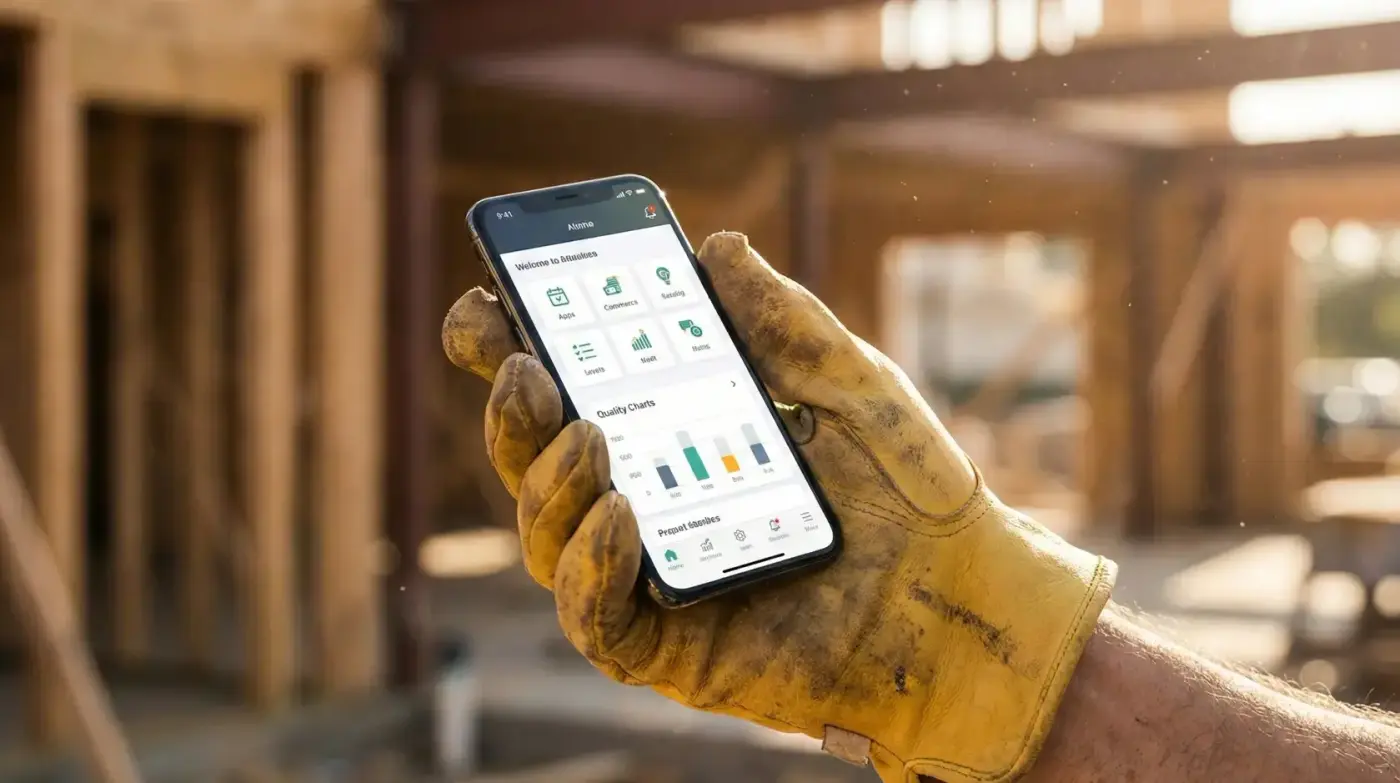
Field Worker Portal That Actually Gets Used

No app download required. Works on any phone. Offline capable. Field crews can check their schedule, submit timesheets, upload photos, and create reports in under 60 seconds.

Why Most Field Apps Fail

You invest in a field solution. Then watch adoption fall apart because it's too complicated, requires app store downloads, or stops working when there's no signal.

Most Field Apps

  • Requires app download

    Crew has to find it in app store, install, update regularly

  • Breaks without internet

    Basement, rural area, or construction site? Can't work.

  • Too many screens

    Submit a timesheet takes 10 taps across 5 screens

  • Eats phone storage

    100+ MB download just to check a schedule

WorkSkedge Field Portal

  • No app download needed

    Progressive Web App works on any phone browser

  • Works offline

    Submit timesheets and reports without signal, syncs later

  • Submit in 60 seconds

    One screen for daily timesheet. One tap to add photos.

  • Minimal storage

    Under 2MB. Doesn't clutter their phone.

Everything Crews Need In Their Pocket

Simple, fast interface designed for people wearing work gloves on a job site.

Today's Schedule

See where they're working today with job details, customer contact info, and map directions.

  • Today's assignments at a glance
  • One-tap navigation to job site
  • Customer phone and email
  • Job notes and special instructions

One-Tap Timesheets

Daily timesheet auto-populates from schedule. Adjust hours if needed, submit in seconds.

  • Pre-filled from schedule
  • Adjust actual hours worked
  • Add notes if needed
  • Submit in under 60 seconds

Photo Documentation

Take before/after photos with one tap. Automatically organized by job and date.

  • Capture from camera or gallery
  • Auto-tagged with job info
  • Compress for faster upload
  • Add captions to each photo

Job Reports

Submit daily progress and completion reports from the field with checklists and notes.

  • Daily progress updates
  • Completion report checklists
  • Add photos inline
  • Works offline, syncs later

Offline Mode

Keep working when there's no signal. Everything syncs automatically when connection returns.

  • View schedule offline
  • Submit timesheets offline
  • Take photos offline
  • Auto-sync when back online

Location Services

One-tap directions to job site. Optional GPS tracking for field accountability.

  • Tap to open in maps
  • Distance to job site
  • Optional GPS clock-in
  • Privacy-first approach

Built for Real Job Sites

Tested in basements, on rooftops, in muddy trenches, and everywhere else your crew works.

Works in Tough Conditions

  • Basement with no signal? Works offline.
  • Wearing work gloves? Large tap targets.
  • Bright sunlight? High contrast interface.
  • Old Android phone? Lightweight and fast.
  • Limited data plan? Minimal bandwidth usage.

Respects Your Crew

  • No constant tracking or surveillance
  • GPS is optional, not required
  • Works with personal or company phones
  • Doesn't drain battery
  • Clear about what data is collected

Get Crew Buy-In From Day One

When field tools are this simple, adoption isn't a problem.

60 sec

Submit Daily Timesheet

Pre-filled from schedule. Adjust if needed. One button to submit.

2 taps

Upload Job Photos

Tap camera icon. Take photo. Done. Auto-organized by job.

0 MB

App Store Download

Just visit the website. Save to home screen if you want.

Construction team collaboration

Stop Juggling 5 Different Tools

Join trades who replaced their scheduling app, timesheet system, field reports, invoicing software, and project tracker with one connected platform. Start your 30-Day Free Sandbox Environment—no credit card required.