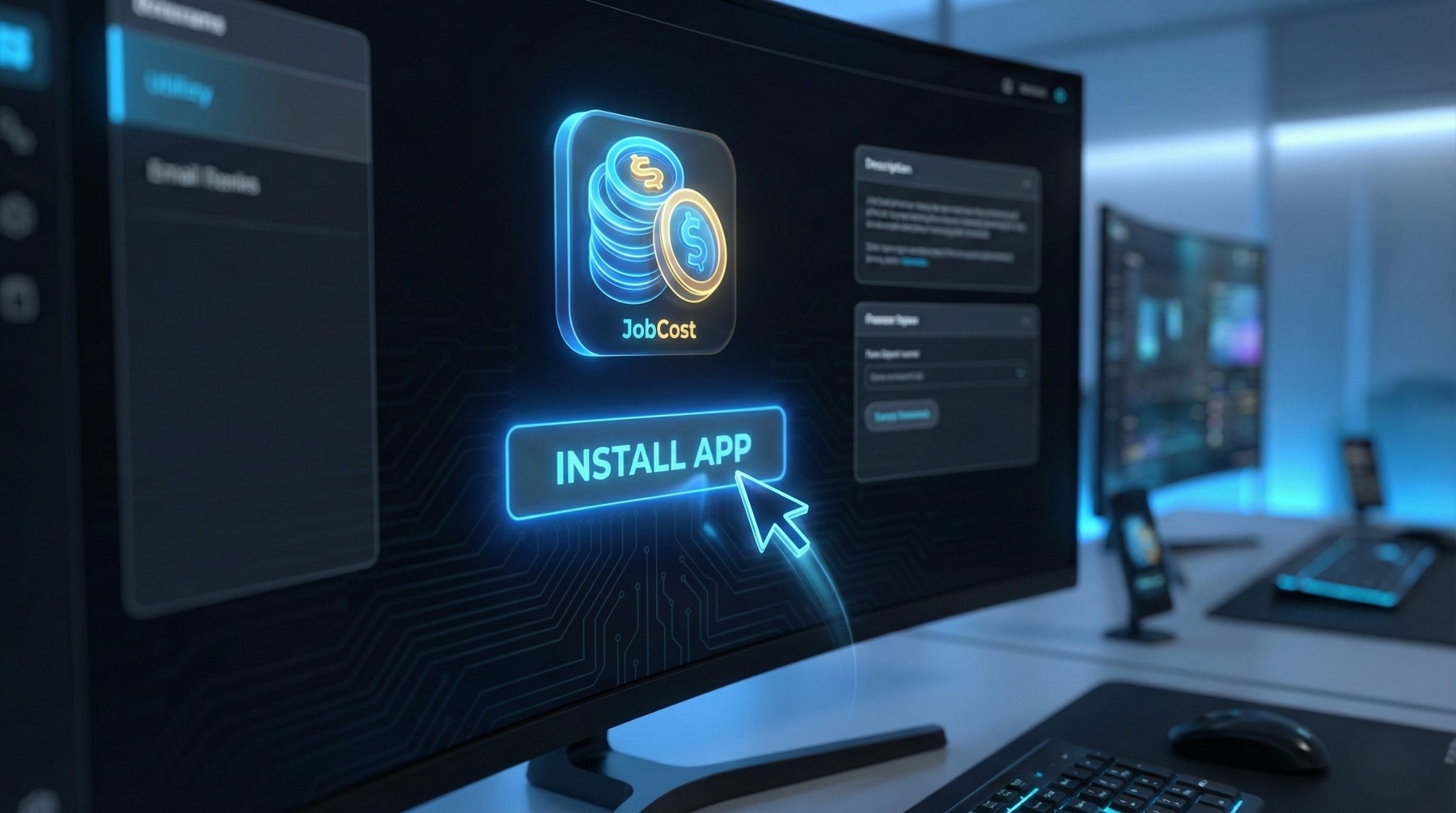
WorkSkedge App Store interface showing Install App button for JobCost
THE WORKSKEDGE APP STORE

The Modular Operating System.

Stop paying for bloatware. WorkSkedge gives you a lightweight core, and lets you "install" powerful apps like Job Costing, Asset Tracking, and Safety—for free.

WorkSkedge App Store interface showing Install App button for JobCost

Premium Power. Zero Extra Cost.

Instantly extend your OS with official WorkSkedge apps.

Eric AI Foreman icon

Eric AI Foreman

by WorkSkedge · tools

The AI Operations Foreman for Trades.
Most field service tools show you what happened yesterday. Eric — your AI Foreman — reads the live picture from WorkSkedge and tells you what needs to happen next: cash risks, crew gaps, overdue work, compliance red flags, and the one thing that will move the needle today.
Built directly on top of WorkSkedge as the single source of truth, Eric connects to your schedules, work orders, timesheets, invoices, purchase orders, employees, and certifications in real time. No manual exports. No spreadsheet gymnastics. Just a daily operational briefing that talks like a 25-year foreman.
Run the day Daily morning briefing with today's schedules, crew gaps, overdue work orders, and pending timesheets One-click task inbox — create, assign, complete, and reassign tasks across your team without leaving the chat Work order lifecycle tracking from draft → assigned → active → complete → closed Proactive alerts for conflicts, overdue work, missing certifications, and data issues Smart scheduling and availability checks to find the right tech for the right job
Protect the money Weekly CFO check: revenue, margin, labor utilization, AR aging, and unbilled completed work Monthly business review with project variance, customer concentration, and unbilled aging Project financials for single-job P&L, budget vs. actual, and margin against trade targets Real-time AR and unbilled-work alerts so nothing slips through the billing cracks Industry benchmark comparisons for HVAC, electrical, plumbing, mechanical, and general contracting
Operate with context App Bridge integration keeps Eric in sync with wherever you are in WorkSkedge Real-time page context injection means answers match the job, customer, or screen you're looking at Unified chat history across all WorkSkedge apps, scoped by company and user Approval gates for every write action — Eric queues changes so you stay in control
If WorkSkedge runs your field, Eric runs your field operations.

  • Daily AI morning briefing
  • Weekly CFO check on cash flow
  • Smart task inbox across your team
WorkAssets icon

WorkAssets

by Workskedge · tools

Enterprise equipment tracking built for the field.
Manage your company's most valuable assets with precision. WorkSkedge Assets integrates seamlessly with WorkSkedge Jobs and Operations, giving you a real-time view of your equipment inventory from the shop to the job site.
Key Features:
Instant QR Scanning — Scan durable, weather-proof metal asset tags to check equipment in or out in seconds. Smart routing automatically directs scans to the right action. Complete Chain of Custody — Track every handoff. See who has an asset, where it is, and what job it's on. Managers can force check-ins and reassign custody at any time. Inspection & Maintenance — Build custom inspection templates, schedule recurring checks, and get automated email reminders before equipment goes overdue. Full repair and service history is always just a tap away. Smart Job Integration — Prevent lost tools by requiring all assets to be checked back in before a Work Order is marked complete. Unreturned equipment blocks closure automatically. Global Inventory Search — Any team member can instantly locate available equipment by name, tag, category, or location — reducing downtime and unnecessary purchases. Photo Documentation — Attach multiple images to any asset for condition reports, damage evidence, or reference. Bulk Operations — Generate sequential QR tags, print batches, and import entire inventories via CSV. Purchase & Cost History — Track every dollar spent on an asset. View complete repair costs, vendor bills, and WorkSkedge PO line items directly on the asset timeline. Know the true lifetime cost of any piece of equipment at a glance.

  • Full asset custody history
  • Instant asset job assignment
  • Scheduled inspections and maintenance
WorkProfits icon

WorkProfits

by WorkSkedge · financials-accounting

The Financial Operating System for Trades.
Most field service and scheduling tools stop the moment the crew clocks out. WorkProfits picks up where operations leave off and runs the money side of your business end-to-end — from the first estimate to the final holdback release.
Built on top of WorkSkedge as the single source of truth, WorkProfits turns your jobs, timesheets, POs, and price book into a live financial picture: what you've sold, what you've spent, what you can bill right now, and what you'll earn when the job closes.
Plan the money Estimating pipeline with proposal & change order tracking Fixed-price, T&M, and hybrid budgets with milestone or progressive billing Contract backlog & WIP reporting Revenue forecasting from approved + pending work
Track the money Real-time job costing across labor, materials, equipment, subcontractors, and other Burdened labor rates with 3-level override hierarchy PO lifecycle tracking (committed → received → billed → paid) Vendor credits, partial receipts, and multi-bill PO support Live budget vs. actual with profitability by job, work order, and category
Bill the money One-click progress invoicing with per-proposal and per-change-order allocation Automated billing readiness alerts when a job is ready to invoice AI-generated work summaries pulled from scope and field reports Customer PO lifecycle, holdback/retainage tracking, and statutory release scheduling Custom PDF themes, tax codes, and pricing waterfalls Direct invoice sync with WorkSkedge — no double entry
Know the money Project P&L with locked-cost audit trail Margin alerts, change order impact analysis, and "Job Lost" tracking Role-based access: Full Access for finance, Tracker view for PMs Estimating → Active → Closed pipeline reporting
If WorkSkedge runs your field, WorkProfits runs your finances.

  • Real-time job costing & profitability
  • Automated per-change-order progress invoicing
  • Live budgets vs. actual tracking
WorkSafe icon

WorkSafe

by WorkSkedge · field-operations-safety

Turn Safety Compliance into a Competitive Advantage
WorkSafe is the safety command center built natively inside WorkSkedge. Instead of bolting on yet another disconnected safety tool, WorkSafe lives inside your WorkSkedge workspace and shares the same projects, employees, equipment, schedules and customers in real time. If your crews are already scheduled in WorkSkedge, WorkSafe makes safety the easiest — and most defensible — part of the job.
Run the field day from one place
Site leads start every shift with a one-tap daily FLHA, pre-populated with the crew, site hazards and standing conditions pulled directly from WorkSkedge. Workers sign in with a site QR code — no logins, no app install required — checks their certifications, and blocks or warns anyone missing a required skill. Duplicate FLHAs for the same site and date are prevented automatically, so paper and parallel forms disappear.
Permits and high-risk controls, done right
High-risk hazards automatically gateway into the correct standard permit: Confined Space, Hot Work, Working at Heights, Excavation, Energized Electrical, and Lock-Out/Tag-Out. LOTO status mirrors back to WorkSkedge equipment in real time — locked equipment shows as locked everywhere, and compromised permits raise alerts the moment status changes.
Incidents, corrective actions and accountability
Near-miss, first aid, medical and lost-time incident workflows are built in, with automatic alerts for workers' compensation reportable events. Corrective actions use a priority matrix, require photo proof, and can only be closed by managers or leads. Every CA and control assignment lands directly in the assignee's WorkSkedge Tasks inbox with a deep link — the same inbox they already check every day.
Training, certifications and onboarding
Training packets support per-template countersign and auto-finalize when no signature is required. Completing onboarding pushes the resulting certification straight onto the worker's WorkSkedge skill record, so scheduling and safety always agree on who is qualified for what. Equipment certifications (Heavy Vehicle, Skid Steer, Backhoe, Digger/Driller and more) are included out of the box.
Toolbox talks, safety library and SMS
Rolling weekly toolbox talks with QR sign-in keep the whole crew current. The drag-and-drop safety library handles SDS, JSAs, policies and full SMS documentation — COR and SECOR ready — with folders, categories and version control.
The full project safety lifecycle
A 3-step Safety Kickoff Wizard (Standing Hazards → Emergency Response → Safety Rep) sets every project up in minutes, with muster point defaults, automatic hospital lookup by GPS, and emergency contacts wired in. Site inspections are scheduled based on project duration. When the job is done, the Project Closeout Wizard locks the project read-only and automatically terminates every open WorkSkedge task tied to it — setup, daily FLHA, control assignments and pending custom forms.
Lone worker, offline and mobile
Server-side lone-worker monitoring escalates through tiers with a 24-hour lookback, and timers survive refreshes, device swaps and dead zones. Offline-first design mirrors forms, tokens and signatures to the device and syncs automatically when connectivity returns. The PWA installs on iOS and Android and is optimized for gloves, sunlight and real job-site conditions.
Custom forms and reporting
A drag-and-drop form builder handles photos, signatures, files and conditional logic. Event-triggered forms can be auto-assigned to a specific worker with an SLA when something happens in the field. Every submission exports as a branded PDF in one click, and reports filter by project, date or submitter.
Why WorkSafe beats standalone safety apps
Most safety apps are islands. They make you re-import projects, re-sync crews, re-enter equipment, and re-build your customer list — then drift out of date the moment your schedule changes. Because WorkSafe is native to WorkSkedge, you get advantages no add-on can match:
Live projects, crews and equipment — webhook-driven, updated within seconds, not nightly CSVs. One inbox — safety tasks land in the WorkSkedge Tasks inbox your crew already uses. Bi-directional LOTO — equipment status stays in lockstep across both apps. Single sign-on — workers don't sign in at all; admins use their existing WorkSkedge identity. Unified roles — Admin, Manager, Safety Manager, Site Lead and Site Worker map straight from WorkSkedge. Auto-closeout — finishing a project here closes every related WorkSkedge task automatically. Customer visibility — the people paying for the work can see safety is being done, without a second login.
Safety that works the way your crews already work.

  • Daily FLHAs in one tap
  • QR-based worker sign-in
  • Live WorkSkedge project sync
WorkSync QBO icon

WorkSync QBO

by Workskedge · financials-accounting

The QuickBooks Online sync your field team actually trusts.
Most QuickBooks integrations stop at "we move invoices." WorkSync QBO is built specifically for WorkSkedge — so customers, vendors, employees, timesheets, invoices, purchase orders, reimbursements, vendor credits, and payments all land in QBO the way your bookkeeper expects, the first time. WorkSkedge stays the source of truth for your field operations. QBO stays the source of truth for your books. WorkSync QBO keeps them perfectly in step in real time, in the background, without double entry.
Sync the people One-way push of Customers, Vendors, and Employees from WorkSkedge to QBO Smart duplicate detection by name so you don't end up with "Acme" and "ACME Inc" Guided mapping wizard during setup to link your existing QBO records Manual re-map any time from a searchable picker
Sync the work Invoices sync the moment they're sent — including line items, tax codes, discounts, holdback/retainage, and PDF attachments Purchase Orders flow through their full lifecycle: PO → Bill → BillPayment, with vendor receipts and bill attachments merged automatically PO Reimbursements post to QBO as a proper Bill + BillPayment against an "(Reimbursement)" vendor — clean audit trail, no manual journal entries Vendor Credits sync as native QBO VendorCredits Timesheets become QBO TimeActivity entries, with a configurable start date so you don't backfill years of history
Sync the money Two-way Payment & BillPayment sync — record payments wherever it's convenient, in WorkSkedge or QBO Circular-sync protection so a payment never bounces back and duplicates itself Country-aware tax handling for US, Canada, and Australia — GST/HST/PST/QST, mixed tax codes per line, banker's rounding, and proper child tax rate resolution Push QBO tax codes, payment terms, and credit card accounts back into WorkSkedge so both sides match
Know it's working Live dashboard with sync health, queue status, and connection state Sync history, error inbox with actionable alerts, and webhook delivery log Reliable retry queue with exponential backoff and dead-letter recovery — transient QBO blips never lose a record
If WorkSkedge runs your field, WorkSync QBO runs the conversation with your accountant.

  • Invoice sync with line-item taxes
  • PO lifecycle: order to payment
  • Payments sync both ways safely

Your Software Should Fit Like a Glove

Why clutter your screen with features you don't use?

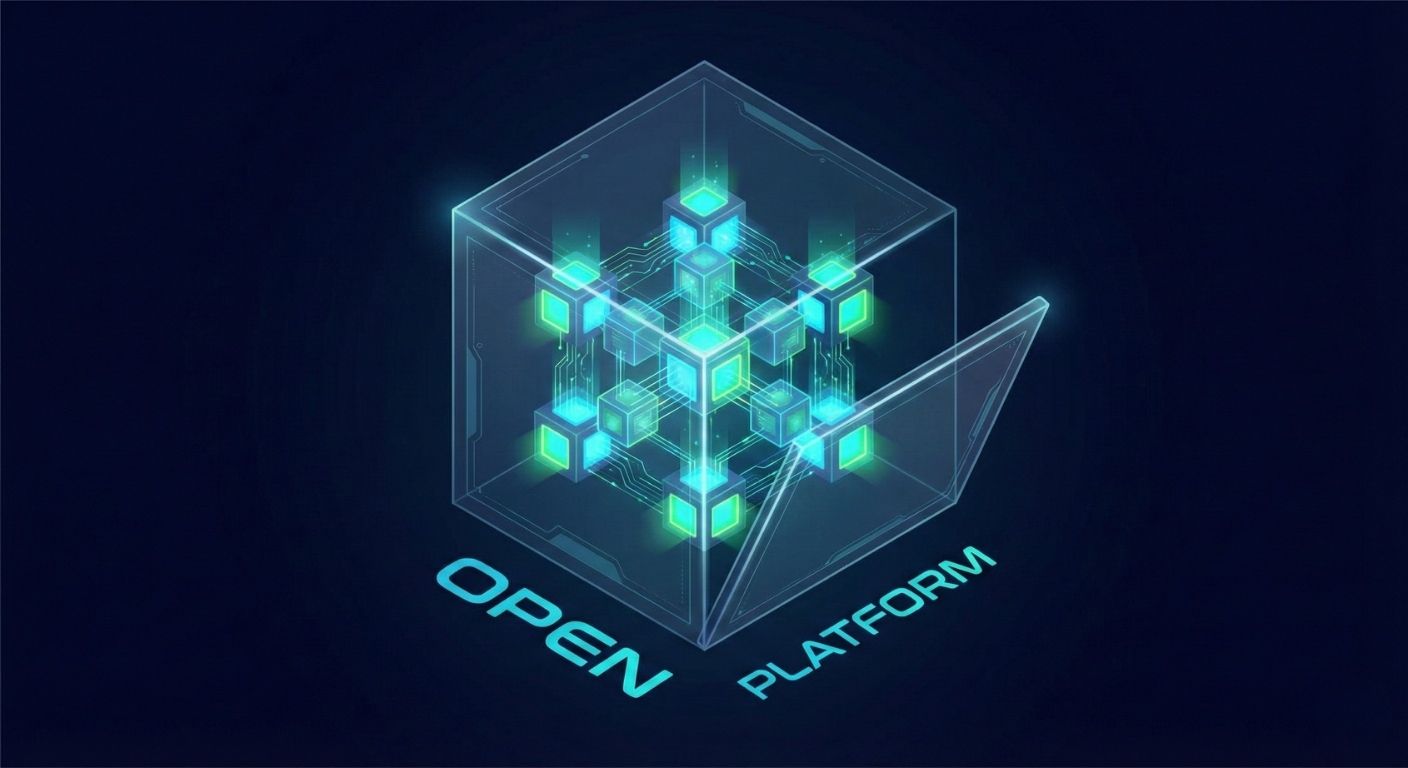
3D isometric illustration of modular platform architecture

Legacy platforms try to be everything to everyone. The result? A cluttered interface filled with buttons you never click and features you're forced to pay for.

At WorkSkedge, we believe you are the Architect. We provide the foundation—the world's best scheduling and project engine.

If you need deep financial oversight, install JobCost. If you need to manage a fleet of 50 trucks, install WorkAssets. Keep your workspace clean. Keep your team focused.

Build the OS that fits your trade.
One Click to Upgrade

Watch your sidebar evolve as you add power.
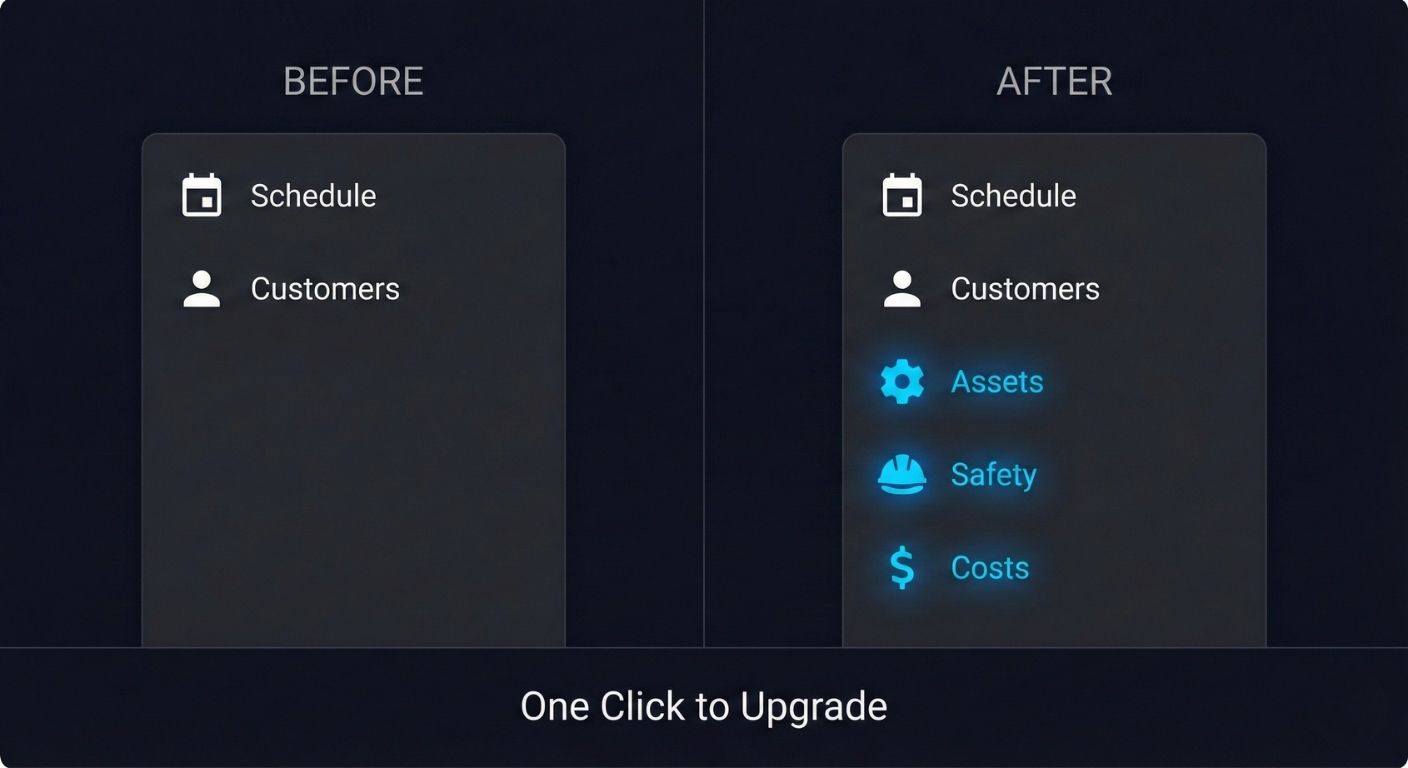
Before and after comparison showing sidebar evolution with new app installations

The Experience: Clean interface by default. Add modules as you grow.

Built on an Open Foundation

Your data should never be a prisoner.

REST API

We give you the same keys we use. Read/Write access to everything.

  • Full CRUD operations
  • Comprehensive documentation
  • Rate limits designed for scale

Webhooks

Trigger automations in Zapier, Slack, or custom dashboards instantly.

  • Real-time event notifications
  • 100+ event types
  • Automatic retry logic

Embedded Apps

Developers can build tools that run inside the WorkSkedge platform.

  • Single-app experience
  • Seamless authentication
  • Native look and feel

Build for the Trades

Join the WorkSkedge Partner Program. Build apps for our marketplace and reach thousands of trade businesses.

Modern construction workspace

Start Simple. Add Power Later.

Launch a 30-day Demo Site. No credit card, no sales calls, just the freedom to explore.

No Credit Card. No Sales Calls. Just the Product.