

Automated dispatch and scheduling
AI Scheduler: Automated Dispatch & Scheduling for Construction Crews
No surprises. No daily chaos. No sweat. The WorkSkedge AI scheduler drafts and rebuilds crew assignments using your pairing rules, crew composition logic, certifications, travel and overnight requirements, and customer dates — so a material delay or weather hold at 6am does not turn into a morning of phone calls.
Requires an app: The AI scheduler runs on the Eric AI Foreman app, available in the WorkSkedge App Marketplace. See Eric AI Foreman
30-day demo site. No credit card. No sales call required.
Built for the people rebuilding crews, jobs, and customer dates
Dispatchers
Draft crew assignments from real rules instead of rebuilding the board by hand after every sick call, material delay, customer change, or weather hold.
Operations leaders
Keep crews working and jobs moving by applying the same pairing, composition, availability, travel, and certification logic every time.
Owners
Reduce the morning scramble without giving automation the final say. AI Foreman proposes the plan; your team reviews and commits it.
Scheduling complexity
Daily scheduling is too complex for a basic calendar
Moving crews, managing no-shows, and matching the right skills to each job takes time and can lead to mistakes. WorkSkedge's AI Foreman helps cut through that chaos by drafting plans from your company's rules, the job requirements, the customer date, and the crew information already in WorkSkedge.
- Use job requirements instead of open time slots alone
- Account for no-shows, delays, availability, skills, and customer timing
- Give dispatch a draft plan to review instead of another blank board

AI scheduling workflow
Streamline scheduling with WorkSkedge's AI
AI Foreman automates the first draft of crew assignments and helps manage disruption recovery. It keeps crews working and jobs on track by applying your company's specific rules and logic before a person commits the final schedule.
- Draft schedule plans across the next 7 to 14 days
- Use company rules, crew data, disruptions, and unscheduled jobs as inputs
- Keep every live schedule change under human approval
Intelligent assignment
Find the right crew for each job
AI Foreman checks whether a proposed crew fits the job before it reaches the live schedule. It applies rules for required team members, people who cannot work together, supervisors, qualifications, availability, and past crew performance where that history helps rank the best option.
- Apply required-person and never-pair rules before assigning crews
- Check job-specific requirements before a crew is suggested
- Rank better crew options instead of returning one blind match
Crew pairing rules
Hard blocks for who must, and must never, work together
Define who must always work together, who must never be paired, and who should not be scheduled at all. AI Foreman treats those rules as hard blocks, so if a never-pair rule is active, that crew combination will not be suggested for the same job.
- Keep proven pairings together when availability allows
- Block combinations that create friction, rework, or safety concerns
- Require a qualified supervisor when the job calls for one

Crew composition logic
The right mix of roles, not just the right headcount
Beyond simple pairing, AI Foreman understands crew composition. A specific job can require a mix such as at least one journeyman for each apprentice. The AI moves crews that meet those requirements up the suggested list, while composition warnings still leave dispatch with the final say.
- Define role, department, and ratio requirements by job type
- Move crews that satisfy the requirement higher in the suggestions
- Warn on composition gaps without blocking a dispatcher from making the final call
Skills and certifications
Right skill, right certification, right person
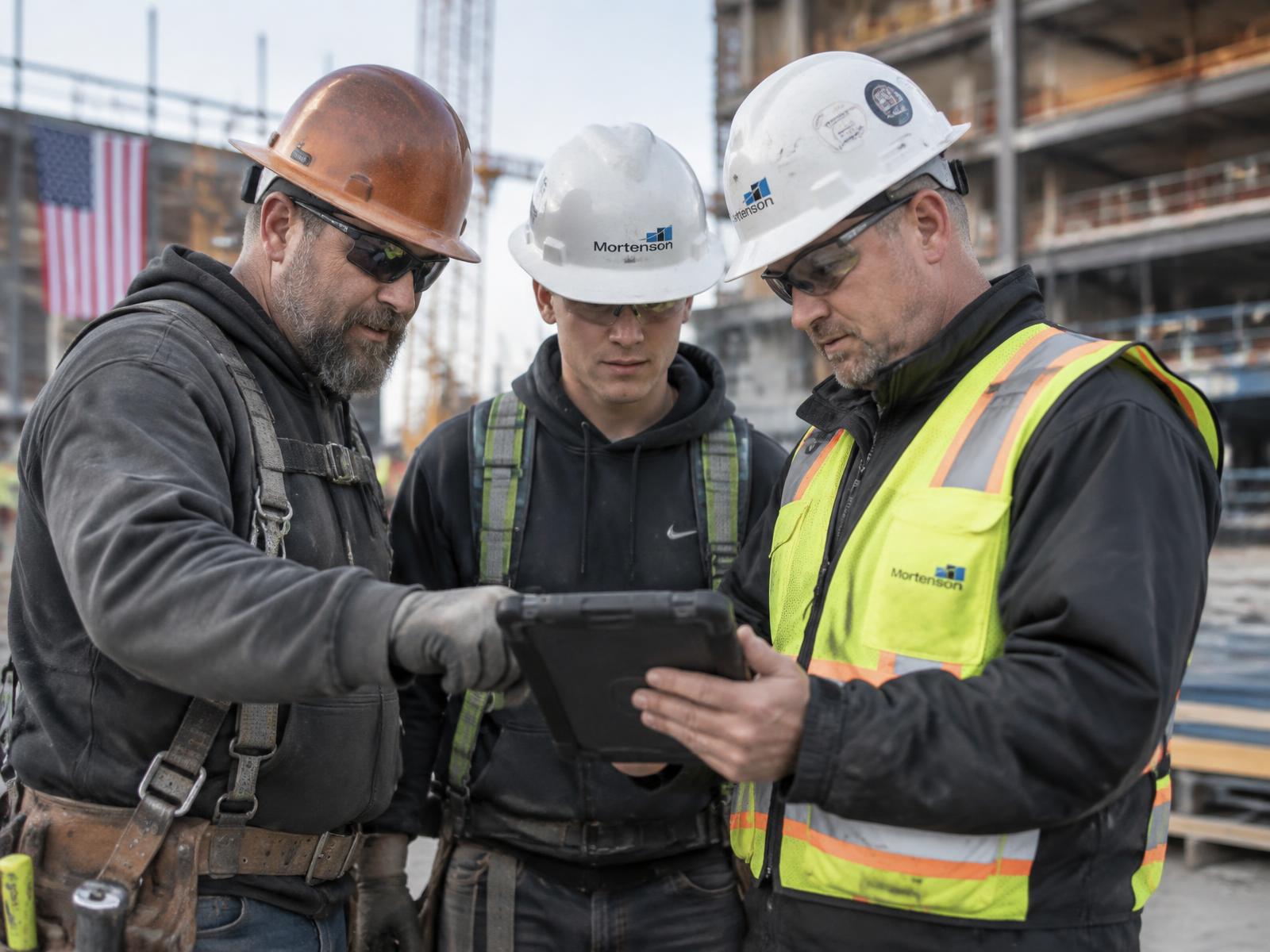
AI Foreman checks employee skills and certifications against the job requirements. If a job needs a specific license, verified qualification, or supervisor, the AI prioritizes people who hold those credentials and flags when no qualified crew is available.
- Match required skills, licenses, and certifications to the job
- Use certification numbers, issue dates, expiry dates, and verification status
- Flag qualification gaps before they become compliance issues on site
Availability, travel, and overnight work
Plan travel dates, overnight stays, and multi-day work together
AI Foreman considers employee availability, required skills, certifications, and travel settings together. For jobs that require travel, it suggests crews marked as willing to travel, checks for existing no-travel bookings, and avoids double-booking someone for local work while they are away.
- Schedule overnight shifts and multi-day jobs as one connected plan
- Plan travel days out and back around productive work days
- Respect vacation, time off, and no-travel bookings before assigning the crew
Customer confirmation
Customer first, then crew
WorkSkedge can manage customer communication for draft schedules. AI Foreman proposes dates in a draft plan, offers those dates by text according to your company's communication settings, records the customer's response, and locks confirmed dates into the draft before crew notification.
- Set quiet hours so customers are not texted too early or too late
- Control how many automatic offer rounds happen before a phone call is needed
- Offer all unconfirmed days for multi-day jobs in one message

Booking loop
Nothing goes live until the draft is approved
The booking loop is strict: customer first, then crew. Once a customer confirms a date by text or through a dispatcher's manual entry, that date is locked into the draft. No crew is notified and nothing reaches the live schedule until a human commits the approved plan.
- Propose dates that already fit crew availability and job readiness
- Capture confirmations, declines, and call requests for follow-up
- Send reminders at the offsets your company controls

Disruption recovery
Material delay, sick call, or weather hold? Draft the recovery fast.
When disruptions occur, WorkSkedge lets dispatch report the issue against the job with details such as severity and expected clear date. AI Foreman then applies your company's reschedule policy to draft recovery options instead of leaving the dispatcher to start over.
- Track no-shows, material delays, weather holds, permit holds, equipment issues, and customer changes
- Notify or flag affected customers according to the communication workflow
- Re-plan the affected crew against the rules before committing changes

Reschedule policy
Your recovery rules guide the AI
Your reschedule policy defines the recovery cascade AI Foreman is allowed to use. It can check whether the job can be backfilled, run short, shuffled, or pushed, while respecting caps on how much other work can be disturbed and which priorities cannot be moved.
- Backfill with a free, qualified crew member when possible
- Run short only if minimum skill and crew-size rules are still met
- Shuffle lower-priority work or push a job only inside the limits you define

Human oversight
AI drafts, humans commit
AI Foreman creates draft schedule plans, checks for clashes like overlapping assignments and employee time off, and gives dispatch a plan to review. Your team can add or remove items, compare options, and commit only when satisfied, keeping final control with the people running the work.
- Review draft plans before live schedules change
- Re-check conflicts before crews or customers are notified
- Use AI for speed while keeping operational judgment with your team
Why an AI scheduler beats a faster calendar
A calendar records decisions. WorkSkedge's AI scheduler drafts those decisions from the rules, job context, customer communication, and crew data that drive the real day.
Rule-driven
Pairing rules, never-pair rules, required people, supervisors, roles, departments, and composition logic guide every suggested crew.
Qualification-aware
Skills, certifications, verification status, issue dates, and expiry dates are checked before the draft is built.
Travel-ready
Travel jobs, overnight shifts, no-travel bookings, and multi-day assignments are planned together instead of stitched together later.
Customer-aware
Date offers, quiet hours, offer rounds, reminders, declines, and call requests are part of the scheduling workflow.
Recovery-focused
Sick calls, material delays, weather holds, and other disruptions trigger a policy-based recovery draft instead of a manual scramble.
Human-approved
AI Foreman drafts and recommends; your team reviews, adjusts, and commits before anything goes live.
How a day runs with the AI scheduler
The same controlled workflow whether the plan holds, a customer changes dates, or the morning starts with a disruption.
- 01
Set the rules
Configure pairing rules, composition logic, skills, certifications, availability, travel settings, customer communication settings, and reschedule policies.
- 02
Draft the plan
AI Foreman reads ready jobs, crew availability, job requirements, customer dates, and the 7 to 14 day planning horizon to suggest schedule options.
- 03
Confirm the date
Customer date offers can be sent by text, with quiet hours, offer rounds, reminders, declines, and call requests handled through the booking workflow.
- 04
Review and commit
A dispatcher reviews conflicts, adjusts the draft, and commits the approved plan before crews or customers are notified.
How WorkSkedge pricing works
Prices are per team, not per seat. Operate is a flat $99/mo for up to 5 users, $179/mo up to 10, and $299/mo up to 20 — then $9 per additional user per month. Figures quoted on this page use the bundle noted next to them. See the full ladder for your team size.
AI scheduler questions
What is an AI scheduler for construction crews?+
An AI scheduler drafts crew assignments and reschedule options using job requirements, crew availability, pairing rules, crew composition logic, skills, certifications, travel and overnight needs, customer dates, and disruption policies.
Does the AI scheduler replace a dispatcher?+
No. AI Foreman drafts and recommends schedule plans, but a person reviews the plan, checks conflicts, makes changes where needed, and commits it before anything reaches the live schedule, field crew, or customer.
Do I need Eric AI Foreman to use the AI scheduler?+
Yes. The AI scheduler runs on the Eric AI Foreman app from the WorkSkedge App Marketplace. Core WorkSkedge provides scheduling, dispatch, job records, time off, skills, certifications, and disruption workflows; AI Foreman adds automated drafting and rescheduling on top.
How do crew pairing rules work?+
Crew pairing rules define who must always work together, who must never be paired, and who should not be scheduled. AI Foreman treats never-pair rules as hard blocks, so those combinations are not suggested for the same job.
What is crew composition logic?+
Crew composition logic defines what a crew for a specific type of job should look like, such as requiring at least one journeyman for each apprentice. The AI moves crews that meet those requirements higher in the suggested list while still letting dispatch make the final decision.
Can it match skills, certifications, and supervisors?+
Yes. AI Foreman checks employee skills, licenses, certifications, verification status, issue dates, and expiry dates against the job requirements. If a job requires supervision, it can prioritize a qualified supervisor as part of the crew.
Can it handle travel and overnight jobs?+
Yes. For jobs that require travel, the scheduler suggests crews marked as willing to travel, checks for no-travel bookings, and keeps travel dates, overnight shifts, and multi-day assignments planned as one connected block.
How does customer date confirmation work?+
AI Foreman proposes dates in a draft plan, offers those dates by text according to company settings, and records the customer's response. If the customer confirms, the date is locked into the draft. If they decline or request a call, the item is flagged for dispatcher follow-up.
What communication controls are available?+
Companies can set quiet hours, the number of automatic offer rounds before escalation, and reminder timing before the start date. For multi-day jobs, the AI can offer all unconfirmed days in one text.
How does disruption recovery work?+
Dispatch logs the disruption against the job, including details such as severity and expected clear date. AI Foreman applies the company's reschedule policy to draft recovery options such as backfill, run short, shuffle, or push, while respecting caps on how much other work can be disturbed.
Does AI Foreman change the live schedule automatically?+
No. AI Foreman creates draft schedule plans and recovery options, flags conflicts such as overlapping assignments or employee time off, and waits for a person to commit the approved plan before the live schedule changes or notifications go out.
Help Center
See the scheduling workflows behind the AI scheduler
Published guides for draft plans, live dispatch, conflicts, rescheduling, skills, certifications, and scheduling basics.
- Build and commit a draft scheduleCreate a proposed plan, review it for conflicts, and commit it when the crew plan is ready.Read the guide
- Dispatch Board vs Advanced SchedulingUnderstand when to use the day-of dispatch board and when to plan ahead in Advanced Scheduling.Read the guide
- Skills and certifications in schedulingSee how required skills, certification records, and expiry dates shape who can be scheduled.Read the guide
- Resolve scheduling conflictsWork through double-bookings, time-off overlaps, and qualification conflicts before they reach the field.Read the guide
- Reschedule or reassign a jobMove work when sick calls, materials, weather, site conditions, or customer timing force the plan to change.Read the guide
Keep exploring
Eric AI Foreman
The AI operations foreman app that powers automated scheduling and dispatch.
Dispatch & Scheduling
See the base scheduling workflow that AI Foreman drafts against.
Construction scheduling software
Plan crews, disruptions, customer dates, and project demand across the business.
Crew scheduling software
Build qualified teams around time off, skills, certifications, travel, and workload.
Draft the schedule before the morning gets away from you
Set your crew rules, let AI Foreman draft the plan, and keep final approval with the team that knows the work.
Launch Your Demo