
The Operating System for
Professional Trades
Stop managing your business through a rearview mirror. WorkSkedge connects your office, your field crew, and your finances into one seamless, high-performance operation.
One Platform. Zero Friction.
Most trade software is a collection of disconnected tools duct-taped together. WorkSkedge is a single, continuous loop. When you change a schedule in the office, the guy in the field sees it instantly. When he snaps a photo of a completed install, your invoice is already halfway built.
The Complete Lifecycle
Follow a job from planning to payment. Watch how data flows automatically through each phase, eliminating manual handoffs and keeping everyone in sync.
Orchestrate the Chaos
The Problem:
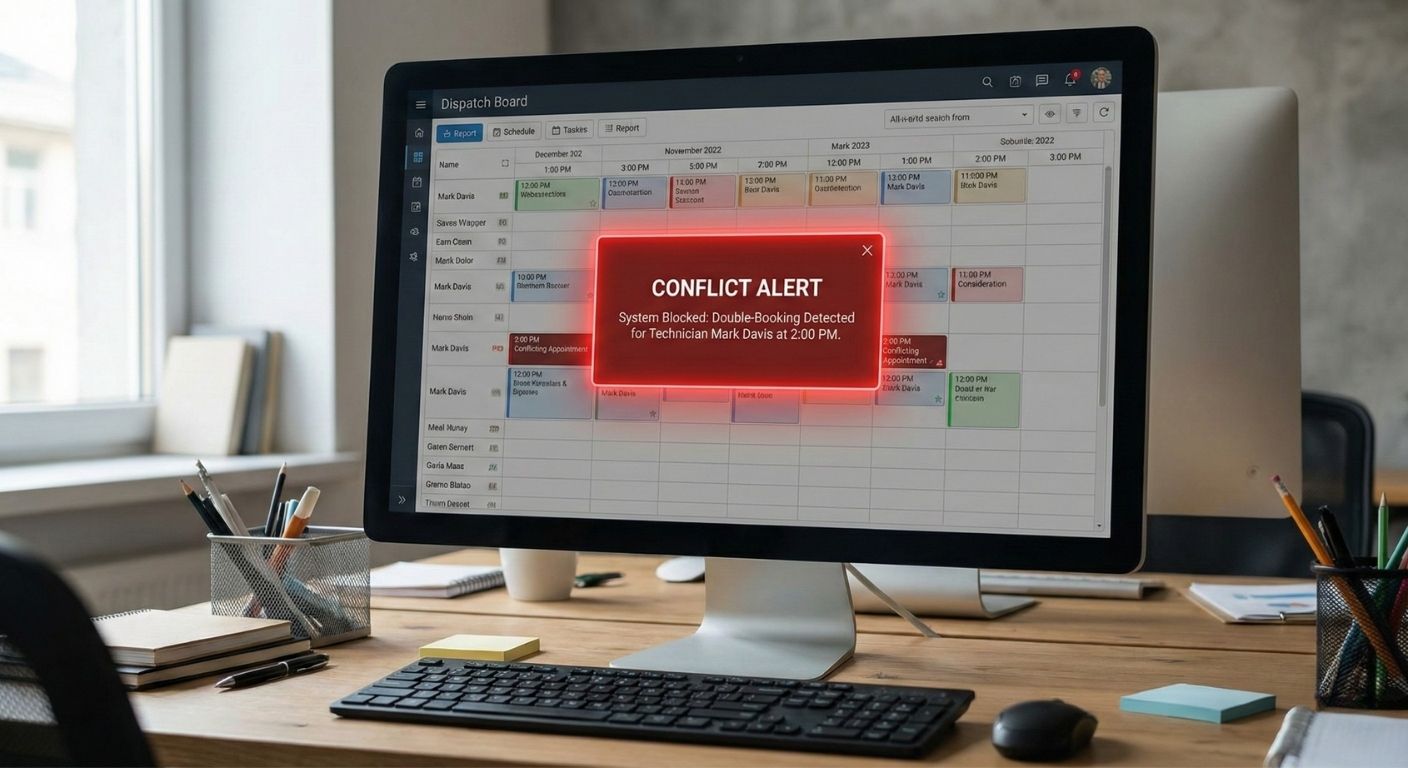
The whiteboard can't tell you if you're over-booked. You're double-booking your best techs and losing track of multi-phase projects.
The OS Solution:
Drag-and-drop scheduling with Intelligent Conflict Detection. Map out your entire month in minutes. See the conflicts before they become expensive phone calls.
The "No Excuses" Standard.
The Problem:
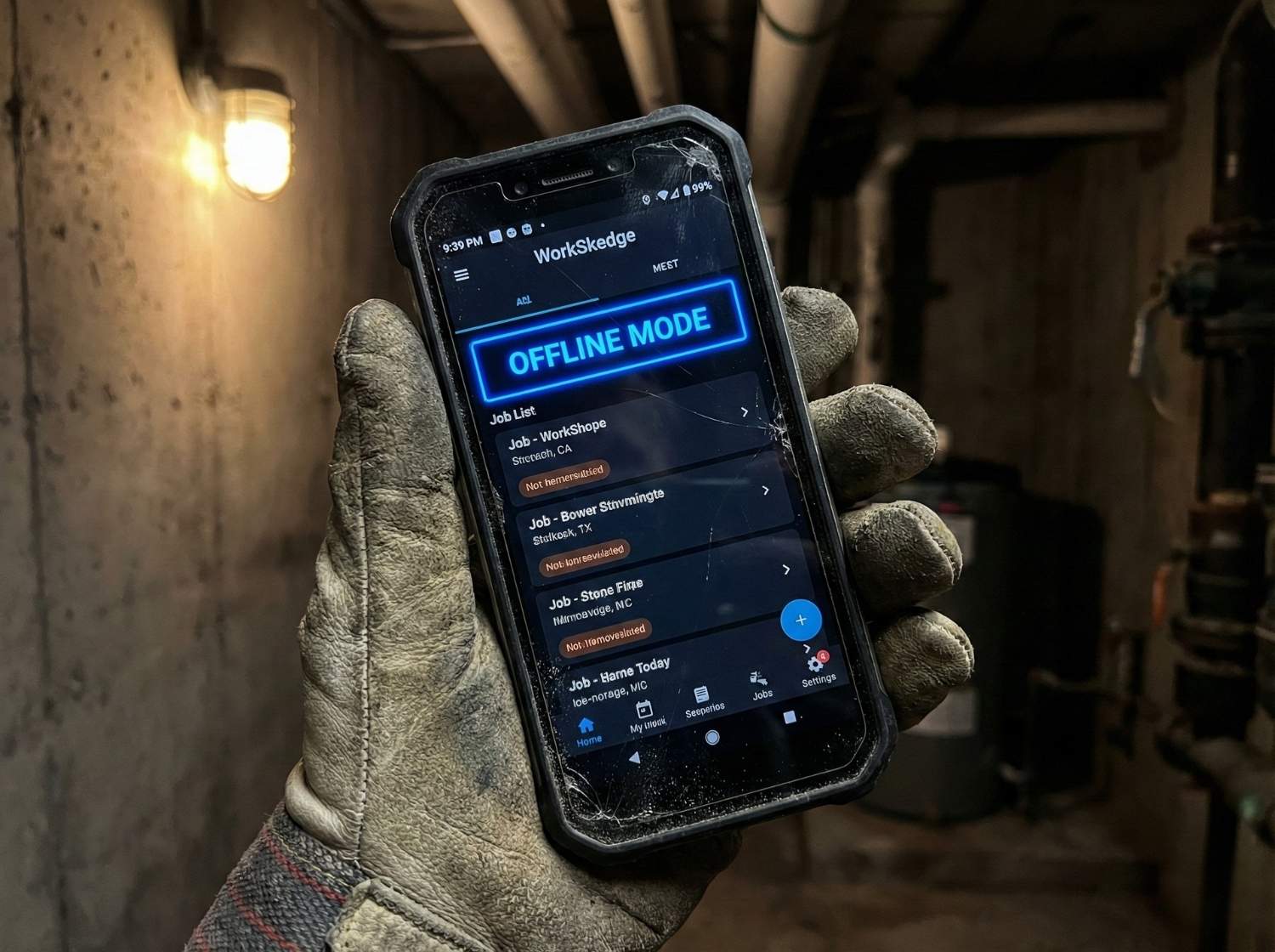
"I didn't get the memo. I don't have a signal. I lost the paper work order."
The OS Solution:
Offline-First Field Portal. Your crew has their schedule, project notes, and safety docs in their pocket — even in a concrete basement with zero bars. Data syncs the second they hit the air.
The Truth, In Real-Time.
The Problem:
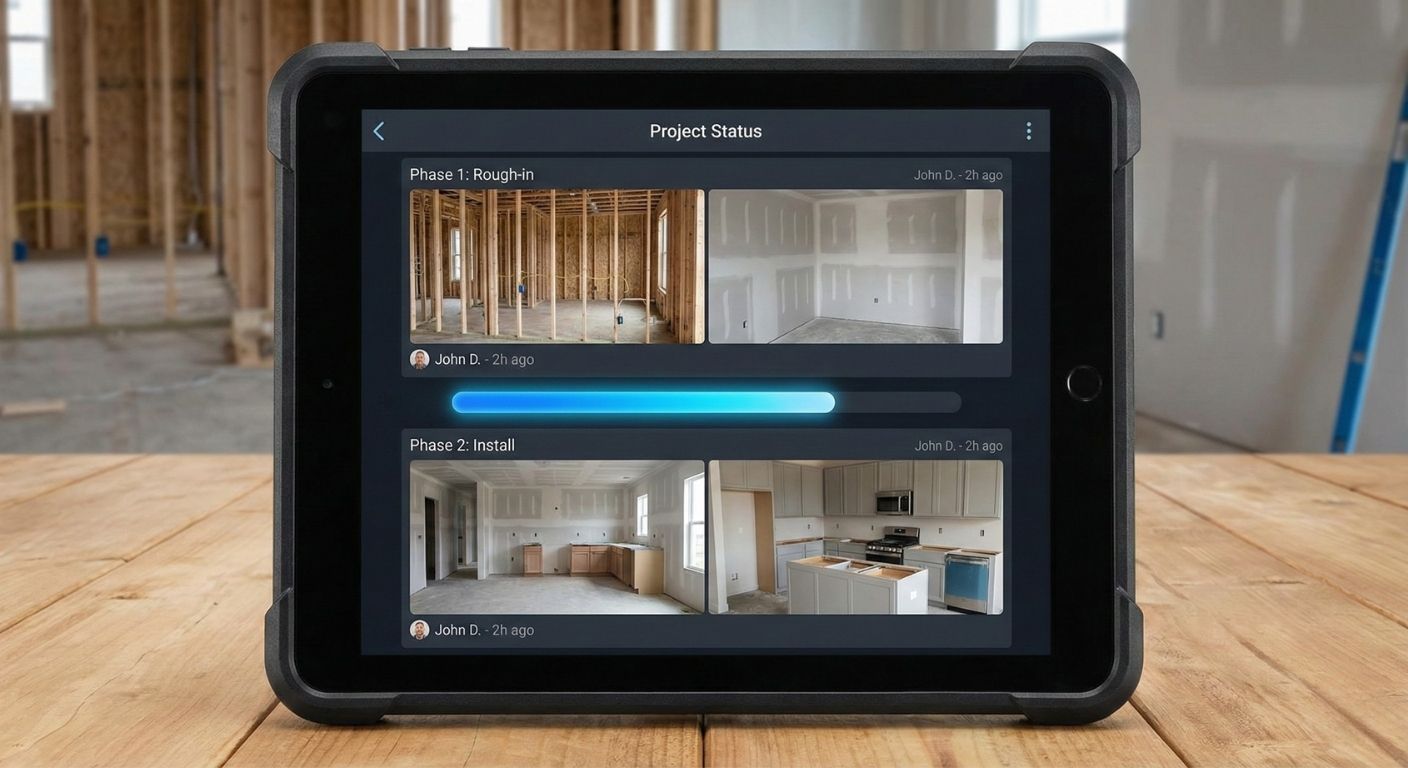
"Bad news doesn't get better with age. Stop waiting for Friday to see if a job went sideways."
The OS Solution:
Live WIP Tracking. Real-time Daily Reports and Photos flow directly from the field to the project file. You know exactly where your labor costs stand today, not next month.
The "Paid" Button.
The Problem:
"Invoicing shouldn't be a weekend chore. You can't grow if you can't bill."
The OS Solution:
Instant Progress Invoicing. Turn completed work into invoices with one click. Manage Purchase Orders and Job Costing in the same system you use to schedule your trucks.

Built for Reality
The Basement Test
Data stays on the device and syncs when it hits Wi-Fi. No lost notes. No excuses.
The Chain of Command
Give your Foreman the power to see the budget, while your apprentices only see their clock-in button.
The Right Tech
Don't just send a body; send the right person. Track certifications so the right tech is on the right task.
The Unbreakable Record
Every photo, note, and clock-in is timestamped. Stop the "he-said-she-said" with a permanent audit trail.
Experience the OS in 60 Seconds
We don't want you to "imagine" how WorkSkedge works. We want you to see it.
Step into our Risk-Free Demo. We've pre-loaded a sample company with employees, active projects, and a full schedule. Play with the tools, move the jobs, and see what "Control" actually feels like.
Launch 30-Day DemoNo Credit Card. No Sales Calls. Just the Product.