
What are the work order statuses and how do they flow?
Short answer
Every work order in WorkSkedge moves through a fixed lifecycle: Created → Ready → Draft Schedule → Assigned → Active → Complete, with On Hold and Pending Approval as side states. Each status controls what you can do next — scheduling only unlocks at Ready, and Complete is terminal.
On this page
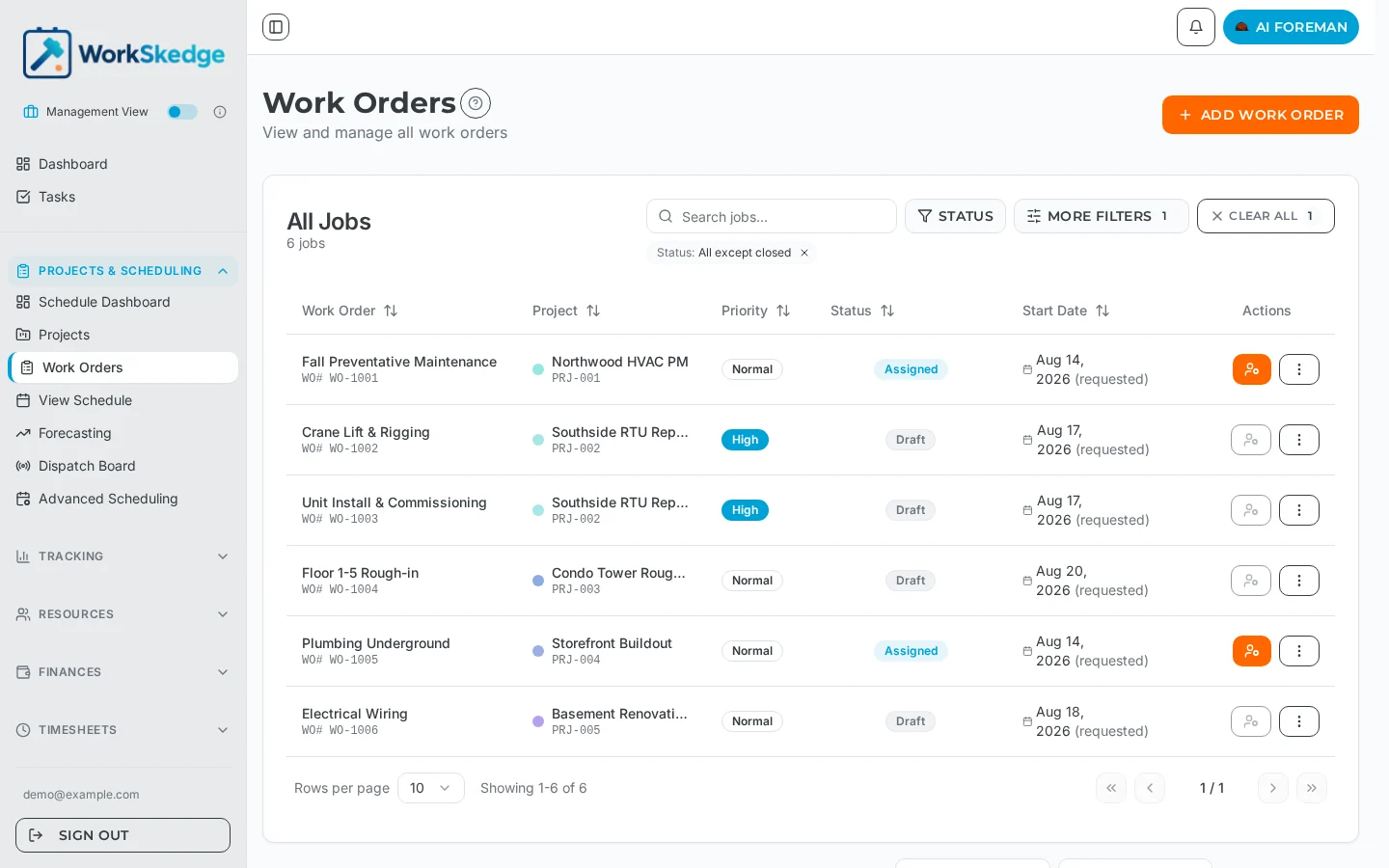
The status flow at a glance
Created → Ready → Draft Schedule → Assigned → Active → CompleteWith two side states: On Hold (paused work) and Pending Approval (completion report submitted, awaiting manager sign-off).
What each status means
Created — the work order is a draft. You're defining the scope of work, timeline, resource requirements, and materials. It is not yet ready for scheduling.
Ready — the definition is complete and the work order can be scheduled. Moving from Created to Ready is treated as the "first submission".
Draft Schedule — a schedule exists but has not been published. Field workers cannot see it yet.
Assigned — the schedule is published and the work order appears in field workers' "My Schedule". Version history tracking begins here: every edit from this point on creates a version snapshot.
Active — on-site work is in progress. A work order becomes Active when a daily progress report is submitted, or automatically when the start date arrives.
Pending Approval — a completion report has been submitted and is waiting for a manager to approve or reject it. Approving moves it to Complete; rejecting sends it back to Active for more work.
Complete — the terminal status. The work is verified complete and no further status changes are allowed.
On Hold — work is paused. This is only allowed from Assigned or Active, and WorkSkedge requires a reason, which is saved as a scheduler note. All assignments and schedules for the work order are deleted while it is on hold; the scheduler re-assigns it to resume.
Allowed transitions
- Created → Ready (definition complete)
- Ready → Draft Schedule → Assigned (the scheduling flow)
- Assigned → Active (automatic, on first daily report or start date)
- Assigned or Active → Pending Approval (completion report submitted)
- Pending Approval → Complete (manager approval) or → Active (rejected)
- Assigned or Active → Ready (reschedule — pull it back for re-planning)
- Assigned or Active → On Hold (pause) and On Hold → Assigned or Active (resume)
- Complete is terminal — nothing leaves Complete
Frequently asked questions
Why can't I schedule my work order?
Scheduling unlocks at the Ready status. If the work order is still in Created, finish its definition (timeline, resources, scope) and set it to Ready first.
What happens when I put a work order On Hold?
WorkSkedge asks for a mandatory reason, saves it as a scheduler note, and deletes the work order's assignments and schedules. To resume, the scheduler re-assigns the work order.
Can I reopen a completed work order?
No. Complete is a terminal status — no further status changes are allowed. If more work is needed while the completion report is still pending, reject it in Pending Approval to send it back to Active.
When does a work order become Active?
Automatically — either when the assigned crew submits their first daily progress report, or when the scheduled start date arrives.
Was this article helpful?
Still stuck?
Send us the article name and what you expected to happen.
Last verified August 30, 2026