Crew Scheduling Questions
What contractors ask before they move off the whiteboard.
How fast can a dispatcher book a multi-day assignment?+
Booking a crew member for a stretch of days takes three clicks: select the employee, click the first day, then click through to the last day. Crews can be built on the fly, last week's assignments copied forward, and multiple work orders mass scheduled from the same board.
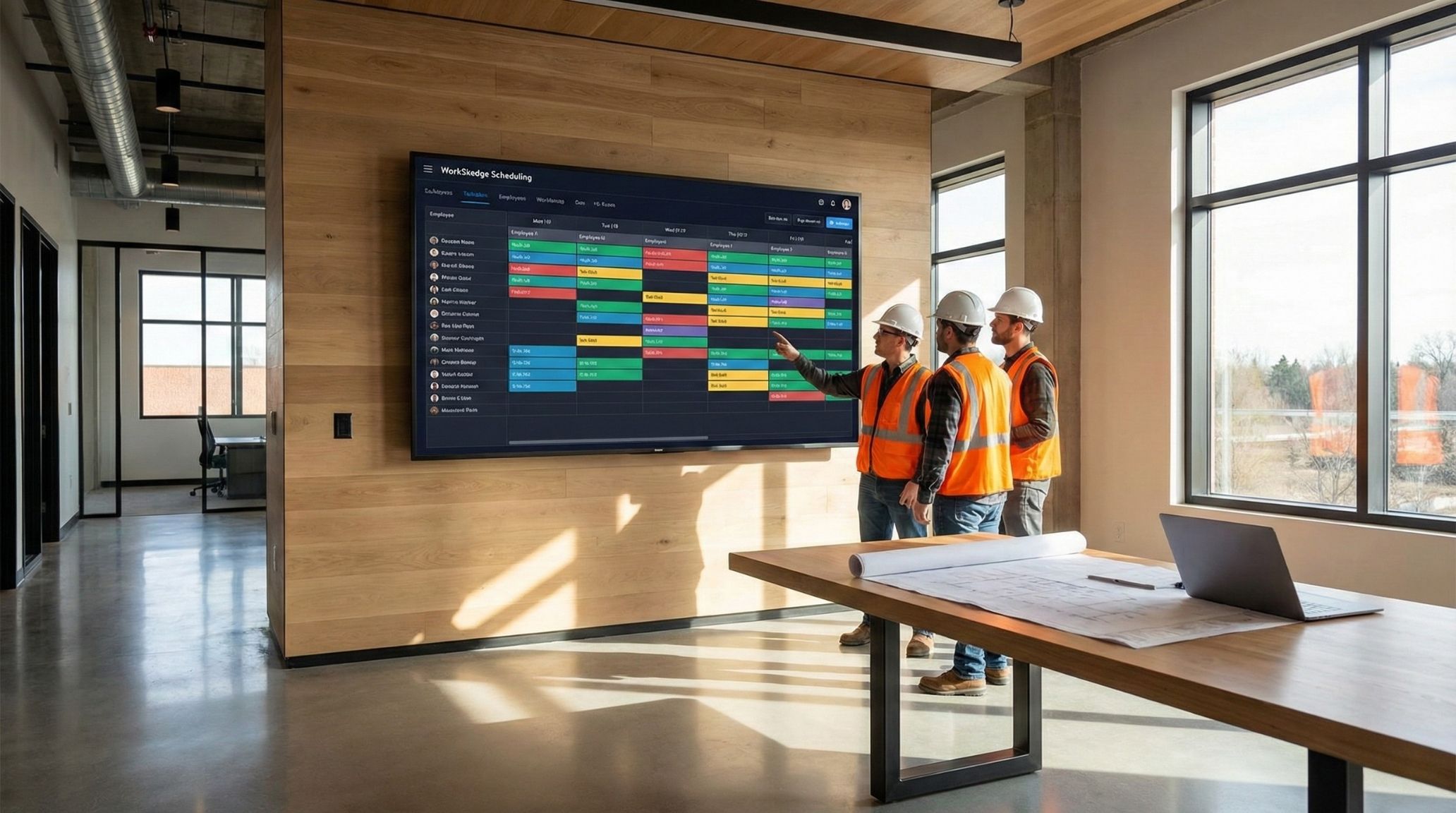
Can the schedule board run on a TV in the shop?+
Yes. Kiosk mode hides the browser menus, maximizes the schedule and auto-refreshes every five minutes, so a break-room screen becomes a self-updating big board for the morning huddle.
How is a dispatch board different from a calendar?+
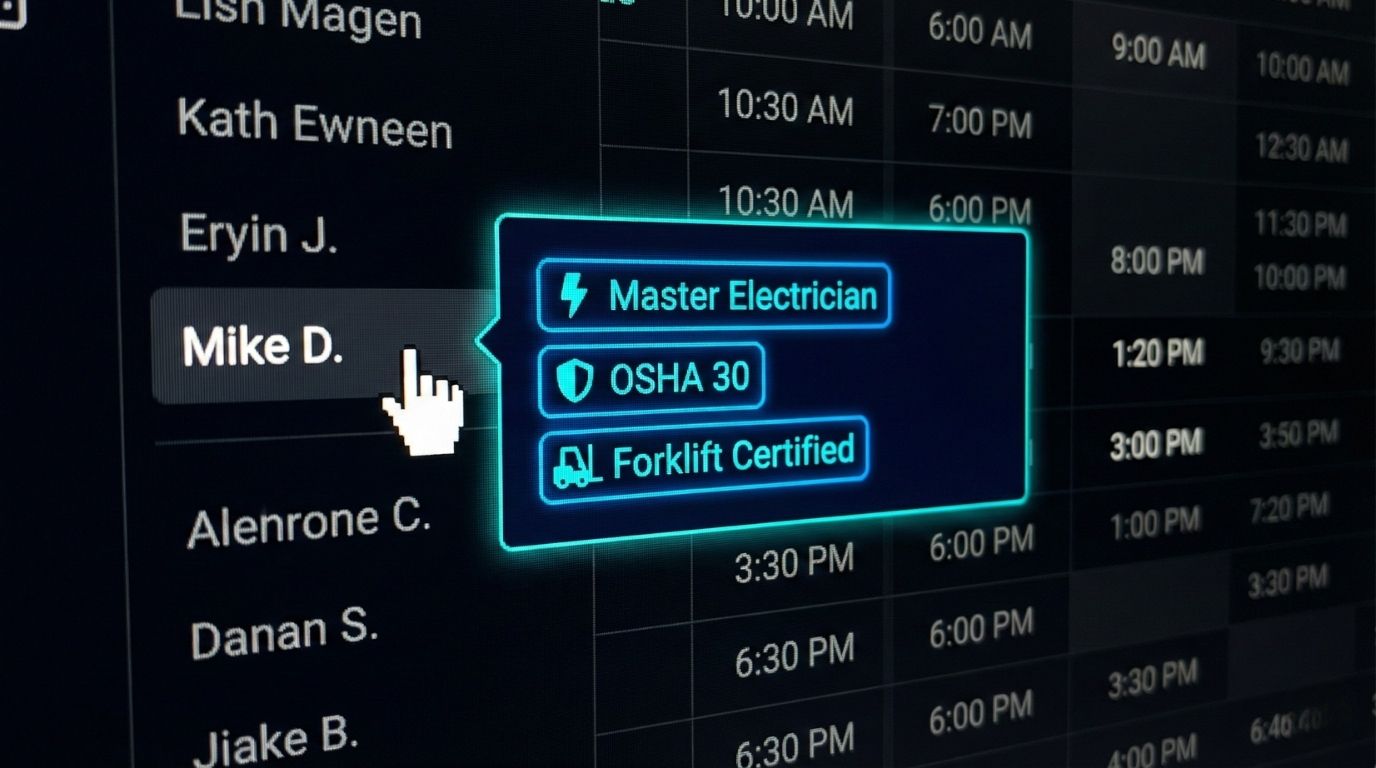
A calendar shows time. A dispatch board shows time against resources — each row is a crew member, crew or piece of equipment, so you can see who is double-booked, who is unassigned and which work order is short-handed before the day starts.
Can crews see their schedule without a new app?+
Yes. Shifts sync to Google Calendar, Outlook and iCal, and crews get email notifications with work order details, address and start time. The field portal is available when they want more detail, including offline access on site.
Does WorkSkedge limit how many crews I can schedule?+
No. Crews, shifts and work order assignments are unlimited on every plan. Pricing is based on user bundles, not per-crew or per-schedule limits.
Does scheduled time become payroll hours automatically?+
Scheduled assignments feed the timesheet, and crews confirm or adjust actual hours in the field. Approved hours flow into job costing and, with WorkSync QBO installed, into QuickBooks Online.
How long does it take to set up a schedule board?+
Setup is same-day. Import your employees, add your active jobs, and start dragging assignments. A 30-day demo site lets you build a real week before you pay for anything.