
What do the timesheet statuses mean (Draft, Submitted, Locked, Processed)?
Short answer
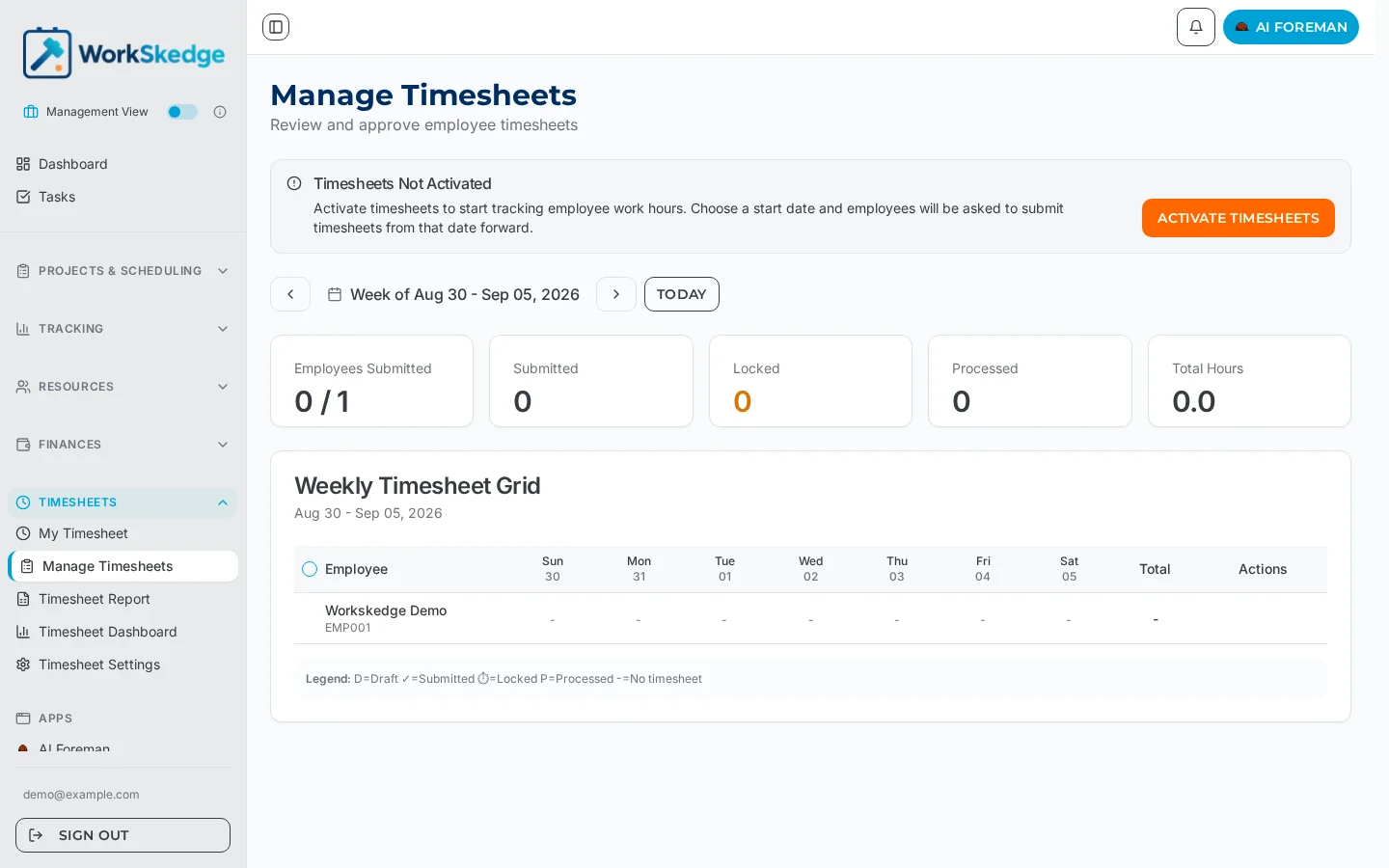
Timesheets move through four statuses: Draft (employee edits) → Submitted (awaiting manager review) → Locked (approved) → Processed (final payroll record, irreversible). Managers can unlock back to Draft or Submitted when corrections are needed.
On this page
Who can do what
| From | To | Who |
|---|---|---|
| Draft | Submitted | Employee or Manager |
| Submitted | Draft | Manager (unlock/revert) |
| Submitted | Locked | Manager (approve) |
| Locked | Submitted | Manager (unlock) |
| Locked | Processed | Manager (process for payroll) |
Every transition records a timestamp and the person who performed it, giving you a complete audit trail.
The lifecycle
Draft → Submitted → Locked → Processed| Status | What it means | Who can edit |
|---|---|---|
| Draft | Initial editable state | Employee |
| Submitted | Pending manager review | No one (manager can unlock) |
| Locked | Approved, ready for processing | No one (manager can unlock) |
| Processed | Finalized for payroll | No one — permanent record |
Each status in detail
Draft — the initial state for all timesheets. The employee can add, edit, and delete entries, add notes, and the total hours auto-calculate from entries.
Submitted — the timesheet is awaiting manager review. Submitting records the submitted_at timestamp and who submitted it, and the employee can no longer edit. A manager can lock it (approve) or unlock it back to Draft for corrections.
Locked — approved and ready for processing. Locking records locked_at and locked_by. It can still be unlocked if corrections are needed. This is typically the final review before payroll.
Processed — finalized for payroll and a permanent record. Processing records processed_at and processed_by, and cannot be reversed — it represents time included in a payroll run.
Frequently asked questions
Can a processed timesheet be changed?
No. Processed is the final state — it cannot be reversed. Make all corrections before processing by unlocking back to Submitted or Draft.
Who can unlock a timesheet?
Managers only. Unlocking returns a Submitted timesheet to Draft, or a Locked one to Submitted, so corrections can be made.
What does locking a timesheet mean?
Locking is the manager approval step — it marks the timesheet as reviewed and ready for payroll processing, and records who locked it and when.
Can a manager submit a timesheet on an employee's behalf?
Yes — both employees and managers can move a timesheet from Draft to Submitted.
Was this article helpful?
Still stuck?
Send us the article name and what you expected to happen.
Last verified August 30, 2026