
How do I create and send an invoice?
Short answer
Create an invoice in Draft, add line items or snapshot billables from usage records, purchase orders, and approved timesheets, then send it to the customer. Invoice statuses then track delivery, viewing, and payment automatically.
On this page
Steps
- 1Enable Invoices (AR) under Settings → Workflow → Features (Finances module required)
- 2Set numbering, defaults, and header/footer under Settings → Finances → Invoices
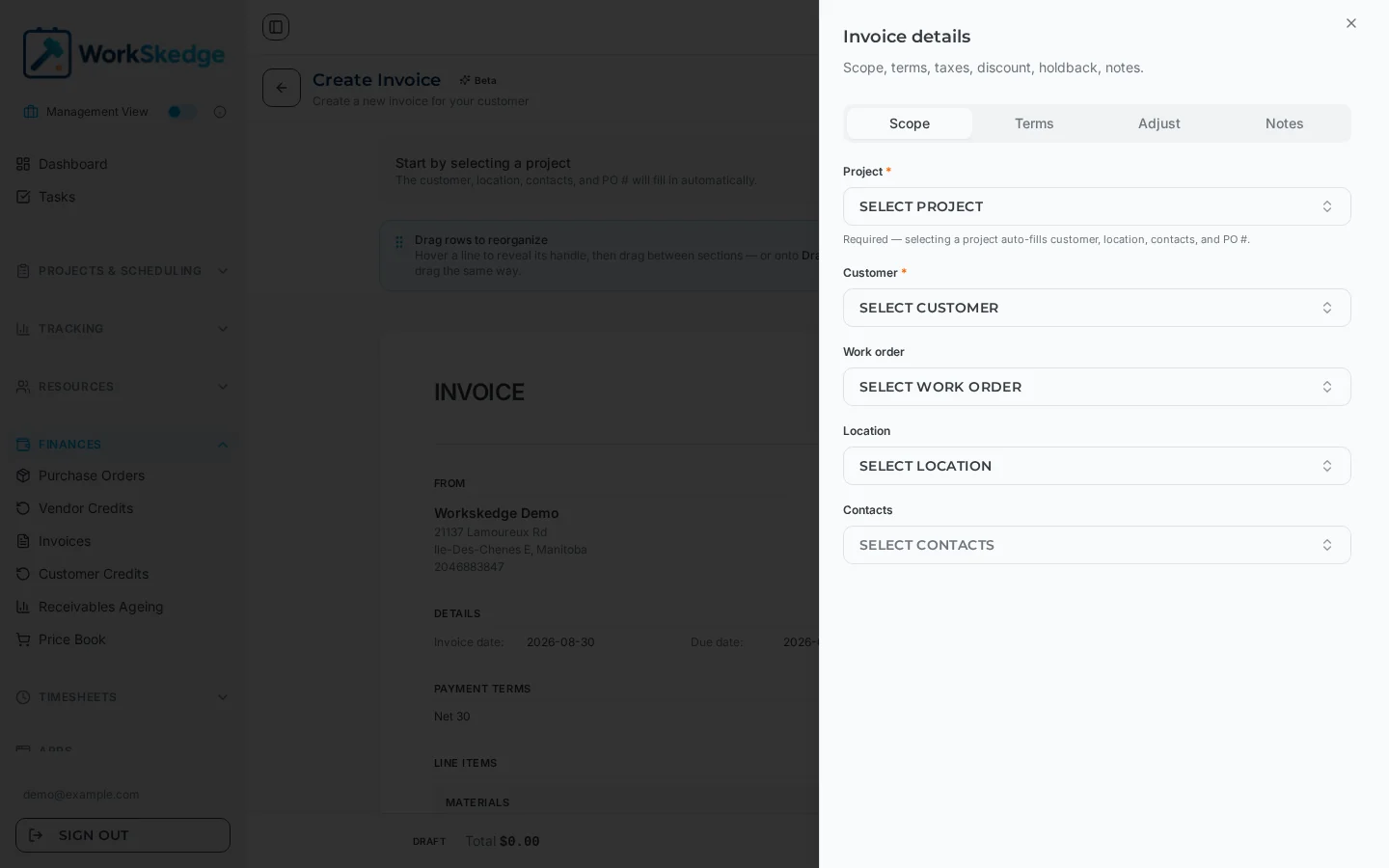
- 3Create the invoice — it starts as a fully editable Draft
- 4Add line items: snapshot from usage records, purchase orders, and approved timesheets, or add manually
- 5Send the invoice to the customer
- 6Track Sent → Viewed → Partial → Paid as the customer opens and pays
Turn invoicing on
Invoicing requires the Finances module plus the Invoices (AR) toggle:
- Location: Settings → Workflow → Project & Work Order Rules → Features (direct link:
/a/settings/company?tab=features) — set Invoices (AR) on. Requires the Administrator role. - Invoice defaults, numbering, header/footer, and CC email:
/a/settings/finances?tab=invoices. - Holdback/retainage settings:
/a/settings/finances?tab=holdback.
Where line items come from
Invoices use a single-source aggregator that snapshots billable items from four sources:
- Usage records — materials and equipment consumed on site
- Purchase orders — approved vendor purchases
- Labor (timesheets) — approved employee time entries
- Manual line items you add directly
The invoice lifecycle
| Status | Meaning |
|---|---|
| Draft | Created but not yet sent — fully editable |
| Sent | Delivered to the customer — limited editing |
| Viewed | The customer has opened the invoice |
| Partial | One or more payments received, balance remaining |
| Paid | Fully paid (amount paid ≥ total) |
| Void | Cancelled — preserved for audit, not deleted |
Status transitions are automatic when payments are recorded: a partial payment moves the invoice to Partial, full payment to Paid.
Who receives the email
- Contacts linked to the invoice, plus the customer's primary contact, are pre-selected. You can type extra addresses manually.
- If no contact has an email on file, the dialog asks for a recipient address before it will send.
- The CC address from Finance Settings > Invoices is copied on every send.
- The send button shows how many recipients will receive the email.
Attachments on the send dialog
The invoice PDF is generated and attached automatically — you never attach it yourself. The attachment count is the combined total of three sources: files already stored on the invoice, files you upload for this send, and documents picked from the linked project through Browse project files (those are attached without re-uploading them).
The emailed PDF uses the same generator as Download PDF, so your invoice template settings — title, labels, header and footer text, and section toggles such as terms and conditions — appear exactly as they do in the Finance Settings preview.
Troubleshooting
Nothing sends and the dialog asks for an email. The customer contact has no email address on file. Add one to the contact, or type a recipient address into the dialog.
The customer says the totals or wording look wrong. The PDF is driven by Finance Settings, not by the send dialog. Fix the template or tax and terms defaults there and send again.
You edited an invoice that was already sent. Sending again marks the invoice as revised and increments its revision count, so the customer can tell the new copy replaces the old one.
Frequently asked questions
Why don't I see the Invoices (AR) toggle?
The Finances module must be enabled for your company first, and changing the toggle requires the Administrator role.
Can I edit an invoice after sending it?
Sent invoices allow only limited editing. If an invoice is wrong, void it (which preserves the audit trail) and issue a corrected one.
Where do I set the invoice number format?
Under Settings → Finances → Invoices you can set the numbering prefix, next sequence number, padding, header/footer, and a CC email.
Do invoices update themselves when the customer pays?
Yes — recording a payment automatically recalculates the amount paid, balance due, and moves the status to Partial or Paid.
Was this article helpful?
Still stuck?
Send us the article name and what you expected to happen.
Last verified September 1, 2026