
How do I manage our plan, seats and billing?
Short answer
Billing & Subscription shows your tier, licensed seats, billing interval, payment method and past invoices. Seats are counted from active users.
On this page
Settings > Business > Billing & Subscription (/a/settings/billing) is where you see and change your subscription. It requires the Administrator role, or a user with user-management permission.
Before you start / permissions
- Administrator, or a user with user-management permission.
- Your tier determines which modules are available. A feature showing "Not in your plan" at
/a/settings/company?tab=featuresbecomes available after an upgrade.
What you can do
- View your plan and tier, and see which modules it includes.
- Manage licensed seats. Seats are counted from active users; adding a user beyond your seat count prompts a seat increase.
- Change the billing interval between monthly and annual; annual is billed once per year.
- Update the payment method.
- Download past invoices and receipts.
Notes and limits
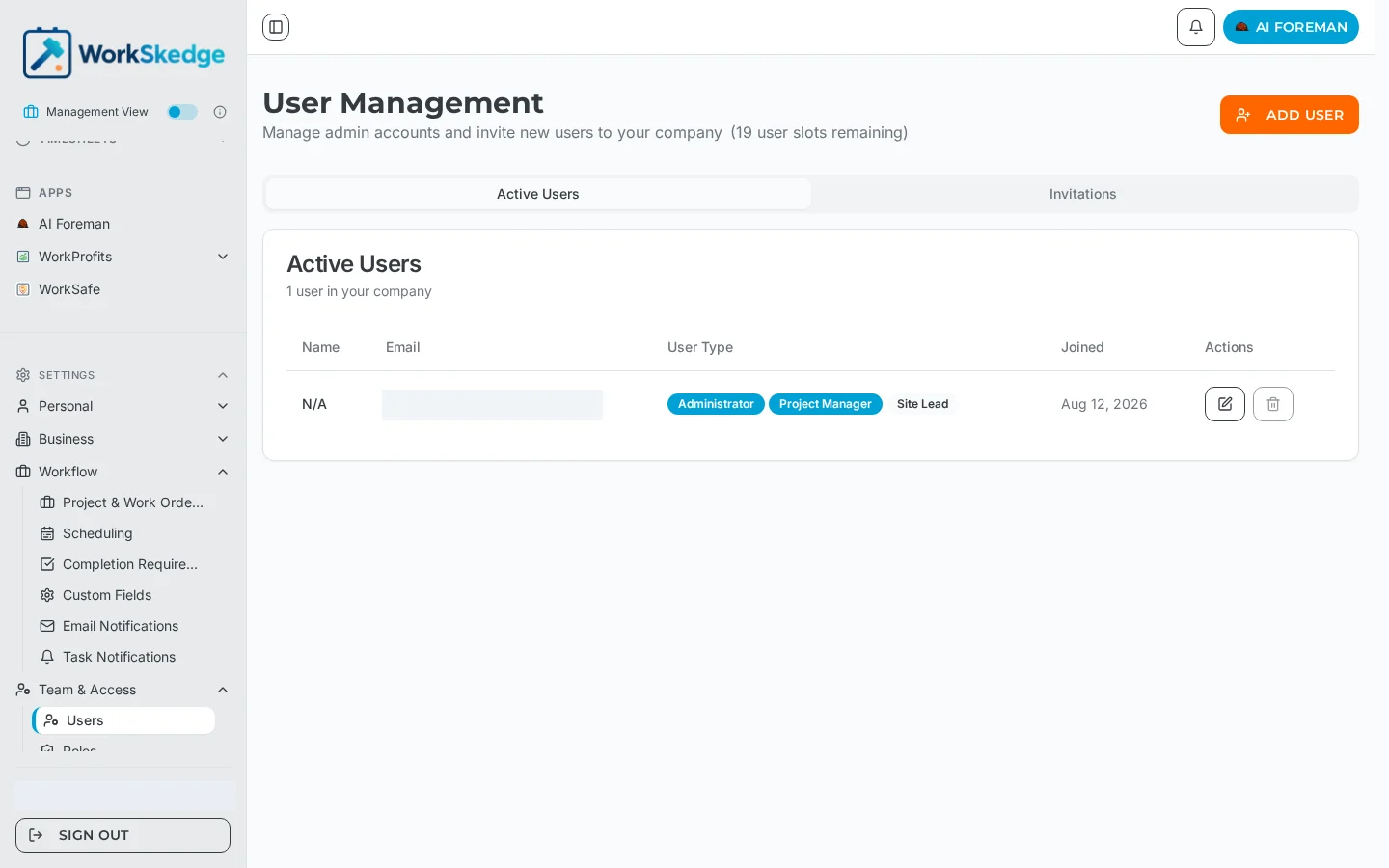
- Deactivating a user frees the seat; the User Management page shows how many user slots remain.
- Upgrading unlocks feature toggles but does not switch them on — enable them at
/a/settings/company?tab=features.
Common errors
- "Not in your plan" after upgrading — reload the page, then check the feature toggle is switched on.
- Cannot invite another user — you are at your seat count; increase seats or deactivate an inactive user first.
Frequently asked questions
How are licensed seats counted?
Seats are counted from active users. Adding a user beyond your seat count prompts a seat increase, and the User Management page shows how many slots remain.
Can I switch between monthly and annual billing?
Yes. Both intervals are available on the Billing & Subscription page; annual is billed once per year.
Where do I download past invoices?
Settings > Business > Billing & Subscription — past invoices and receipts can be downloaded there.
Does upgrading turn new features on automatically?
No. An upgrade makes the feature available; an Administrator still enables it at /a/settings/company?tab=features.
Does removing a user free up a seat?
Yes — seats follow active users, so deactivating a user releases their seat.
Was this article helpful?
Still stuck?
Send us the article name and what you expected to happen.
Last verified September 1, 2026