
Where do I find every setting in WorkSkedge?
Short answer
Settings is grouped into Personal, Business, Workflow and Team & Access. This map lists what each page controls, who can change it and the direct link.
On this page
Every configurable option in WorkSkedge lives under Settings in the left sidebar, grouped into four sections: Personal (your own profile and preferences), Business (business profile, billing, finance settings), Workflow (project and work order rules, scheduling, completion requirements, custom fields, notifications) and Team & Access (users, roles, departments, skills). Most company-wide settings require the Administrator role.
Before you start / permissions
- Administrator changes company-wide settings. Managers can change Project & Work Order Rules and Custom Fields, and can read the plan.
- Every user can edit their own profile at
/a/settings/profile. - A setting that shows "Not in your plan" is gated by your subscription tier, not by your role.
What each section covers
Business
| Page | Controls | Link |
|---|---|---|
| Business Profile | Company name, address, contact details, logo used on PDFs and emails | /a/settings/business-profile |
| Billing & Subscription | Plan, licensed seats, payment method, invoices | /a/settings/billing |
| Finance Settings | Tax codes, contract terms, POs, credit cards, invoices, holdback, products | /a/settings/finances |
Workflow
| Page | Controls | Link |
|---|---|---|
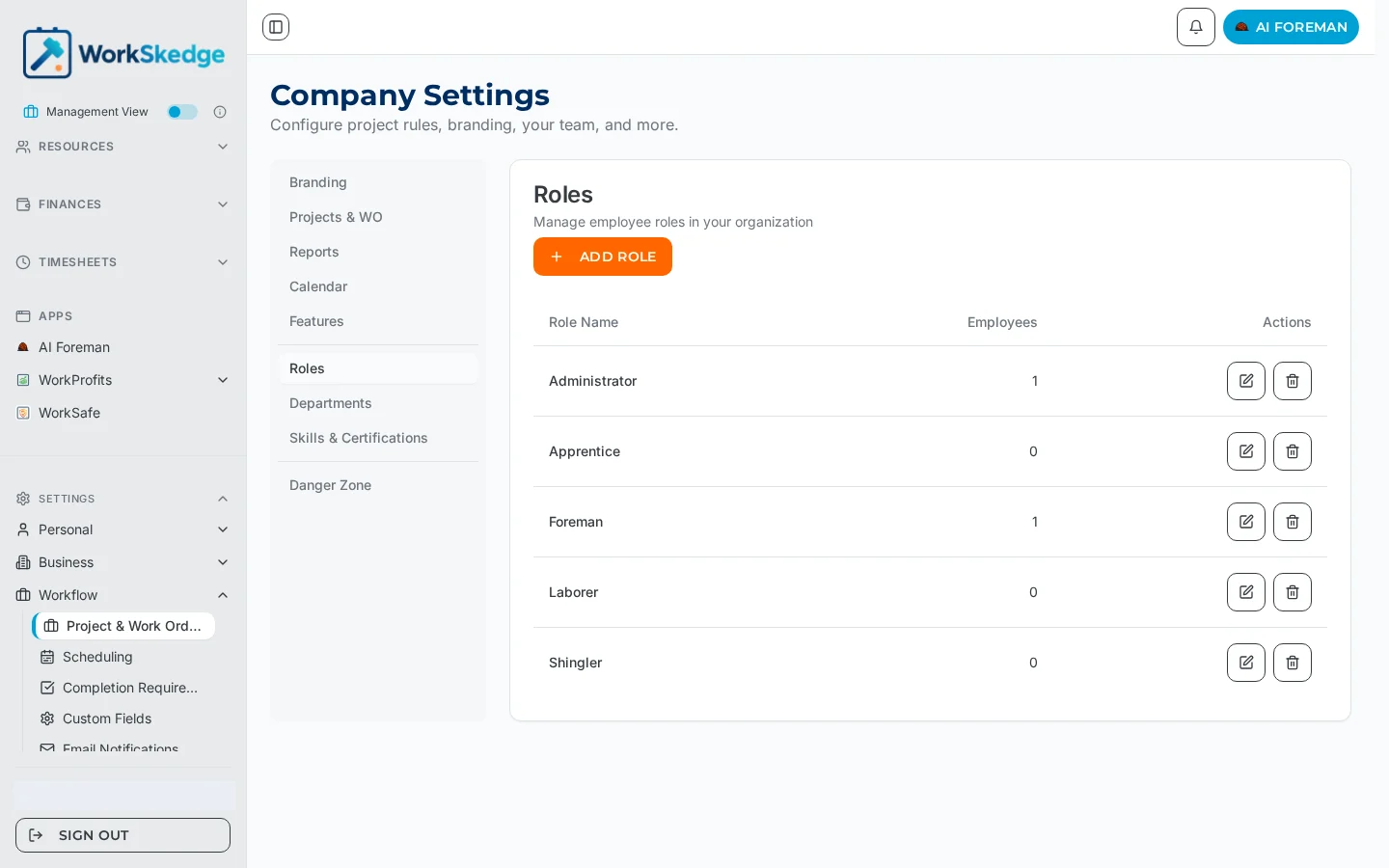
| Project & Work Order Rules | Branding, workflow rules, reports, calendar, feature toggles, roles, departments, skills | /a/settings/company |
| Scheduling | Employee order and colours in the scheduling timeline | /a/settings/scheduling |
| Completion Requirements | What a field worker must supply before completing a work order | /a/settings/completion-requirements |
| Custom Fields | Extra fields on projects and work orders | /a/settings/custom-fields |
| Email Notifications | Which roles receive each system email | /a/settings/email-notifications |
| Task Notifications | Task notification priority, audience, expiry and push | /a/settings/task-notifications |
| Timesheet / Work Types | Work types and timesheet behaviour | /a/timesheets/settings |
Team & Access
Users (/a/admin/users), Roles, Departments and Skills & Certifications (all tabs of /a/settings/company), plus My Profile (/a/settings/profile).
Quick answers
- Turn on purchase orders —
/a/settings/company?tab=features, then configure numbering and approvals at/a/settings/finances?tab=purchase-orders. - Let field workers create POs —
/a/settings/finances?tab=purchase-orders> Allow Field Employees to Create POs. - Set holdback / retainage —
/a/settings/finances?tab=holdback. - Change who gets the completion report email —
/a/settings/email-notifications. - Add a timesheet work type —
/a/timesheets/settings. - Change the project code format —
/a/settings/company?tab=workflow. - A feature is greyed out — it is not in your plan tier; see
/a/settings/billing.
Notes and limits
- Advanced Dispatch settings (customer texting, crew rules, reschedule rules) are not in the Settings tree — they live behind the gear menu on Advanced Scheduling and require Advanced Dispatch to be enabled.
- Turning a feature off hides it everywhere but preserves existing data.
Frequently asked questions
Who can change company settings?
Administrators have read/write access to company settings, user management, roles, billing, API keys, webhooks and custom fields. Managers can change Project & Work Order Rules and Custom Fields and can read the plan. Other roles have no settings access.
Why is a setting greyed out or labelled "Not in your plan"?
The parent module is not included in your subscription tier. Check or upgrade your plan at /a/settings/billing.
Where do I change my own name, contact info and preferences?
Settings > My Profile (/a/settings/profile). Every user can edit their own profile without an Administrator role.
Are Advanced Dispatch settings in the Settings menu?
No. Customer texting, crew pairing rules and reschedule rules are configured from the gear menu on the Advanced Scheduling page, and only appear once Advanced Dispatch is enabled.
Was this article helpful?
Still stuck?
Send us the article name and what you expected to happen.
Last verified September 1, 2026