
What WorkSkedge is and how the pieces fit together
Short answer
WorkSkedge is field operations software for trades and construction. Customers hold projects, projects hold work orders, work orders hold the schedule, the field reports, the timesheets and the money. Everything downstream depends on that chain.
On this page
The chain, in one line
Customer -> Project -> Work Order -> Schedule -> Field reports and timesheets -> Purchase orders and invoices. Each link is required by the next: you cannot create a work order without a project, you cannot create a project without a customer, and you cannot schedule or invoice anything without a work order.
What each piece does
- Projects hold the contract: the customer, the job-site address, the project managers, the budget and the documents.
- Work orders hold the scope: tasks, materials, labour, the crew assignment and the completion report.
- Scheduling and dispatch place work orders on the board and assign crew by day.
- Timesheets capture hours against those assignments and feed payroll and job cost.
- Purchase orders and invoices move money in and out and roll back up to the project.
- The Field Portal is what the crew sees on a phone or tablet: their day, their tasks, their time and their photos.
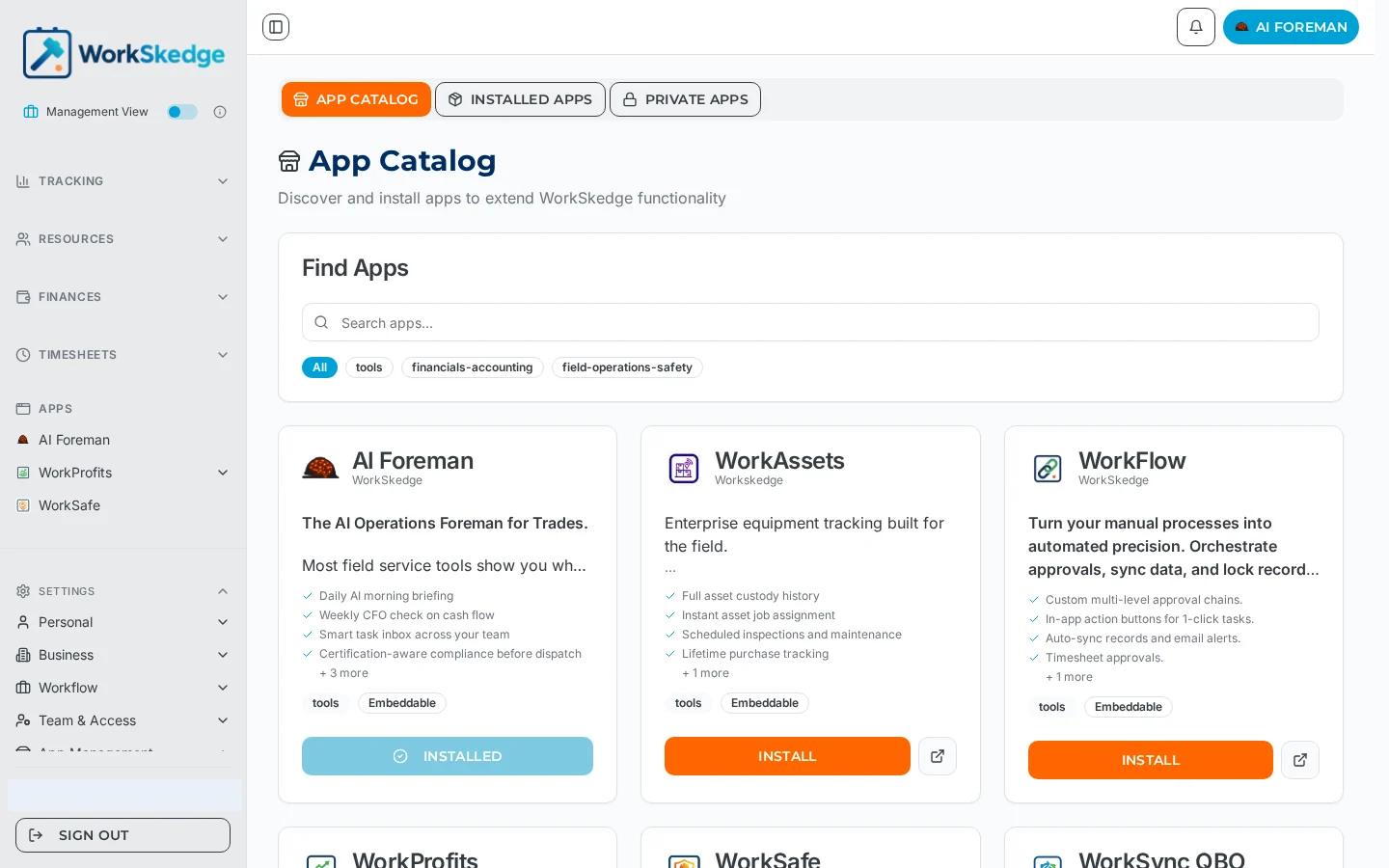
- Apps extend the platform — accounting sync, asset tracking, safety and the AI Foreman.
Notes and limits
Some modules are tier-gated. Timesheets and work tracking are included in the Control tier; purchase orders and invoicing require the Operate tier. Advanced Dispatch is an Operate-tier module that is off by default and has to be switched on in company settings.
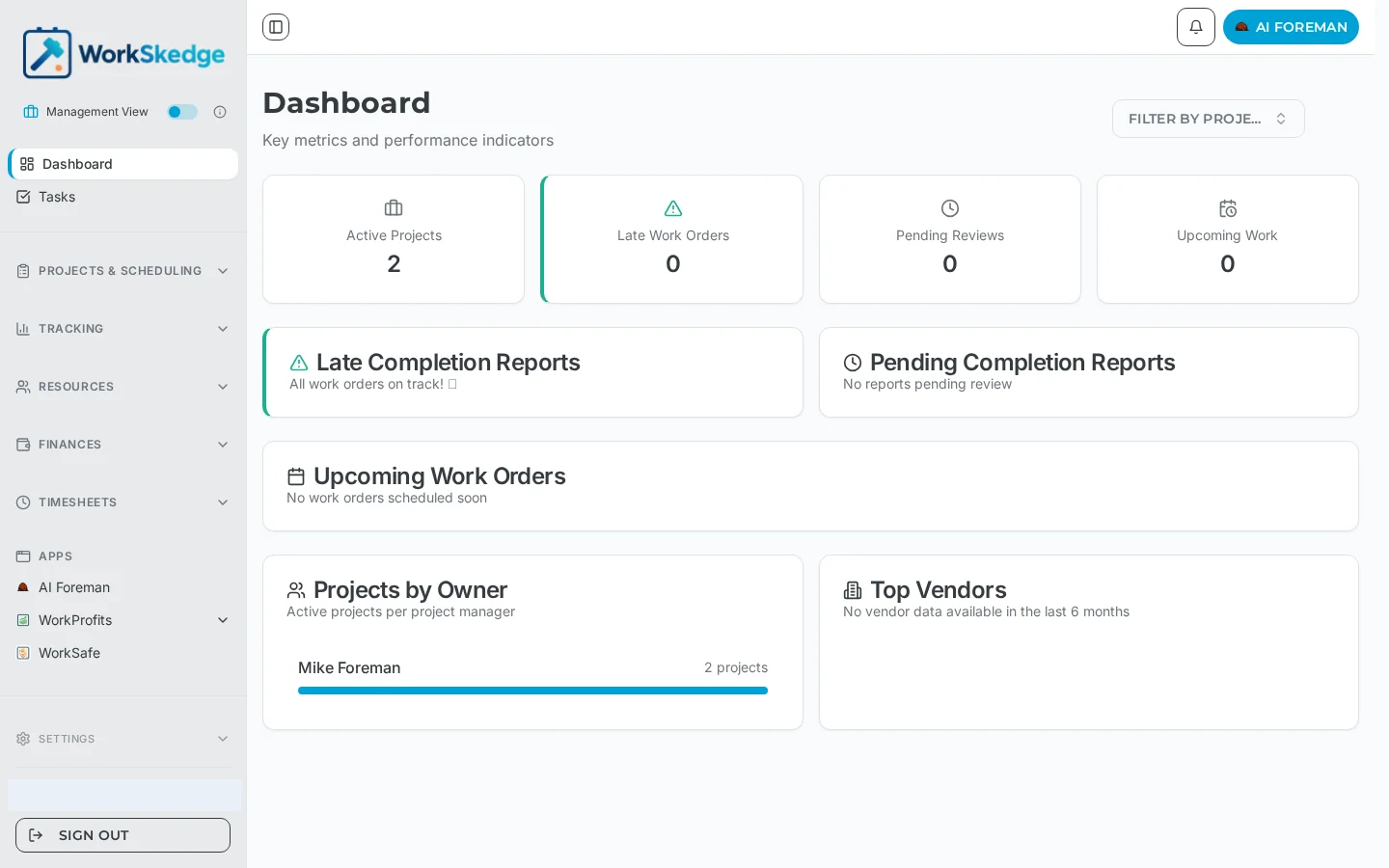
What it looks like in WorkSkedge
Frequently asked questions
Do I have to use every module?
No. Features can be switched off per company in settings, which hides them from navigation, dashboards and the field app for everyone. Existing data is preserved, so you can turn a feature back on later.
Can I start with just scheduling?
Yes, but you still need the minimum chain: a company profile, employees, a customer, a project and a work order. The schedule board places work orders, so a work order has to exist first.
What is the difference between a project and a work order?
The project tracks the contract, the owner and the money. The work order tracks a discrete piece of scope that gets scheduled, executed and reported on. One project can carry many work orders.
Where does field data go?
Progress and completion reports, photos, notes and timesheet entries are all captured against the work order, then roll up to the project for costing and invoicing.
Is there a free trial?
A new company registration starts a 30-day sandbox period so you can set the account up and try the workflow before activating a plan.
Was this article helpful?
Still stuck?
Send us the article name and what you expected to happen.
Last verified August 31, 2026