
Should I use the Dispatch Board or Advanced Scheduling?
Short answer
Use the Dispatch Board for today: live status, disruptions, and quick one-step swaps. Use Advanced Scheduling for the horizon: reshuffling jobs across days, filling the next 7–14 days, draft plans, and scheduling rules.
On this page
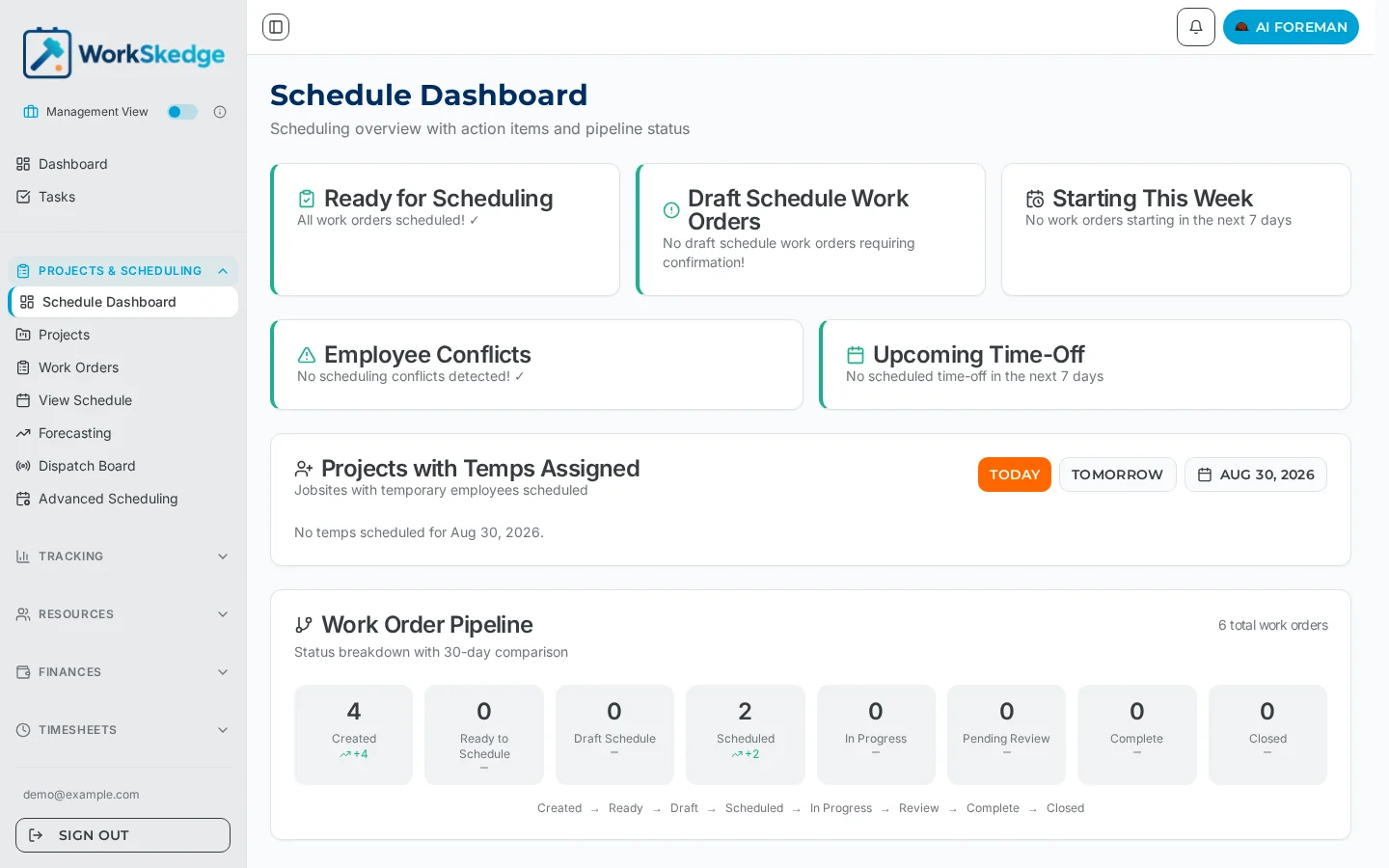
Quick reference
| You want to… | Go to |
|---|---|
| See who is on site right now, who is running late | Dispatch Board |
| Log a sick call, a no-show, a material delay | Dispatch Board |
| Fix today with one quick swap | Dispatch Board (recovery dialog, inline) |
| See who is free today and give them work | Dispatch Board (Available crew) |
| Reshuffle several jobs, or push work across days | Advanced Scheduling |
| Fill the next 7–14 days from the unscheduled queue | Advanced Scheduling |
| Build a plan, get it approved, then commit it in one go | Advanced Scheduling (draft plans) |
| Edit crew pairing rules, reschedule rules, customer texting | Advanced Scheduling (gear menu) |
Why the split exists
Quick, single-step fixes deliberately stay on the Dispatch Board so dispatchers never leave it for a one-click swap. Complex steps hand off automatically: the board''s button becomes Open in Advanced Scheduling and carries the work order, the disruption, and the chosen step in the URL, so the workbench opens already pointed at the problem.
Day-by-day crew availability also lives on the Dispatch Board (the Available crew zone) because "who is free today?" is a today question. Advanced Scheduling stays focused on the horizon: the crew timeline plus the job panel''s Needs scheduling and Drafts tabs.
Frequently asked questions
Where do I log a sick call or no-show?
On the Dispatch Board — it's a today disruption and the board handles logging and recovery inline.
Where do I change crew pairing or reschedule rules?
In Advanced Scheduling, behind the gear menu — those rule editors moved there from the board's command bar.
I clicked a fix on the board and ended up in Advanced Scheduling — why?
The fix you picked needs more than one step, so the board handed off. It opens the workbench already pointed at the work order, disruption, and step you chose.
Was this article helpful?
Still stuck?
Send us the article name and what you expected to happen.
Last verified August 30, 2026