
How do I build my own app or integration?
Short answer
Use the WorkSkedge REST API to read and write data, outbound webhooks to react to changes, and the app platform if you want your tool to open inside WorkSkedge.
On this page
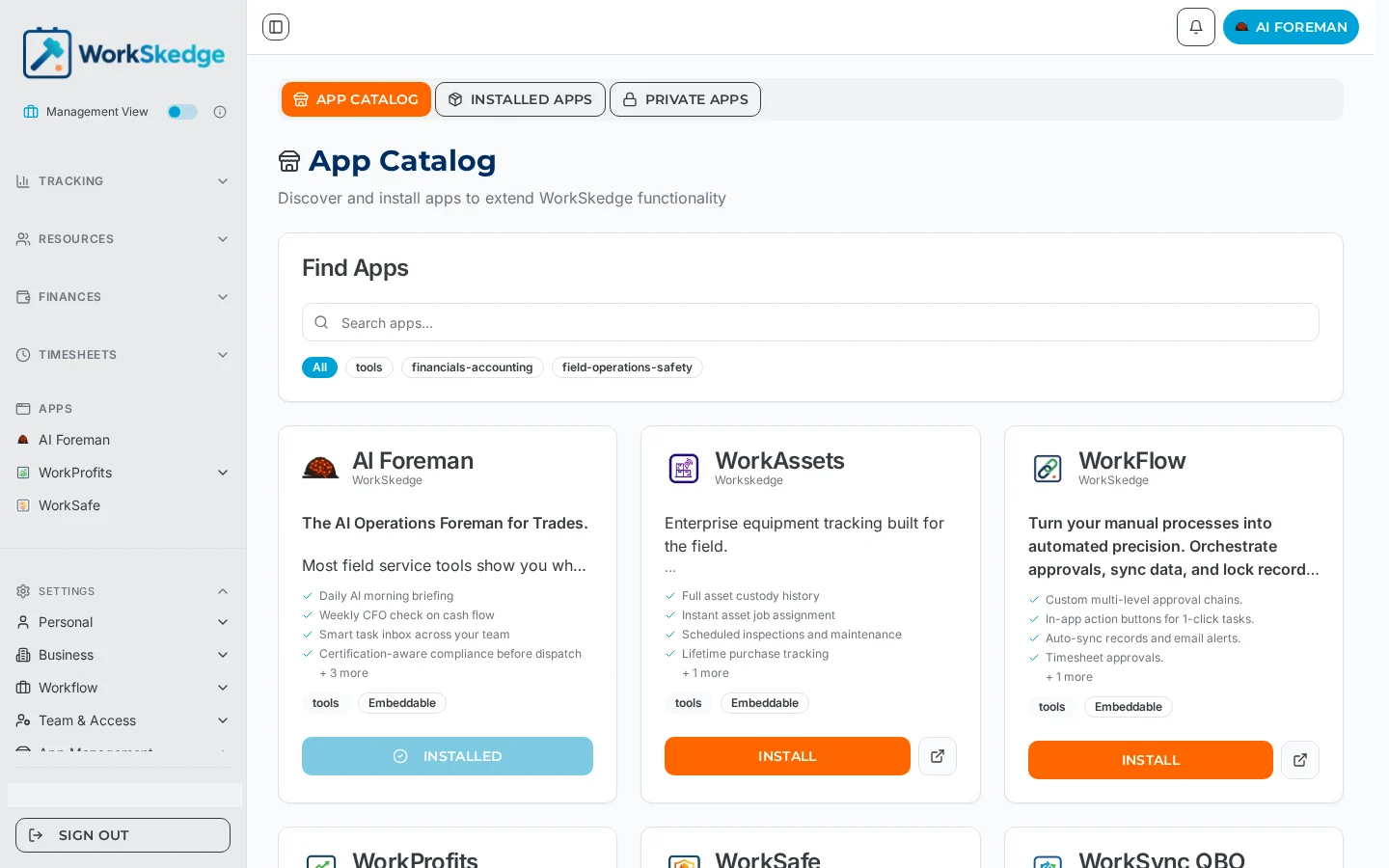
WorkSkedge is an open platform. Build against the REST API when your system needs to read or write WorkSkedge data, subscribe to outbound webhooks when it needs to react to changes as they happen, and publish through the app platform when you want your tool to open inside WorkSkedge as an embedded screen. Accounting sync is the classic pattern: WorkSkedge sends events out as records change, and your app writes results back through the API.
Which tool for which job
| You need to | Use |
|---|---|
| Pull or push projects, work orders, invoices, timesheets | REST API |
| React the moment something changes in WorkSkedge | Outbound webhooks |
| Give users a screen inside WorkSkedge | App platform (embedded app) |
| Ship to one company only | A private app |
How an embedded app gets its context
An embedded app is loaded with a signed token and its installation ID. The token carries who the user is, which company they are in and — when the user arrived from a specific record — the project, work order or employee they came from, so your app can open straight onto the right thing instead of asking them to search again.
Notes and limits
- Installing your app issues it an API key scoped to one company and a signing secret used to verify the users WorkSkedge sends you.
- Webhook payloads are signed; verify the signature before trusting a request.
- Your app is also told when its configuration, role list or installation changes, including uninstalls.
- Sync status fields exist on records such as purchase orders so your integration can report success, failure and a link back to the record it created in the other system.
Common errors
- Rejecting installs when your callback fails — an install completes regardless of your response, so make your handler idempotent and store credentials on first receipt.
- Trusting an unsigned webhook — always verify the signature with your app secret.
- Losing deep-link context — the record the user came from travels inside the signed token, not as separate query parameters.
Frequently asked questions
Do I need an app to use the API?
An installed app is what receives API credentials for a company, so integrations are delivered as apps — public in the catalog, or private to a single company.
Should I use webhooks or poll the API?
Use webhooks. WorkSkedge notifies you as records change, and you call the API for detail or to write back — that is how the accounting sync pattern works.
Can my app open inside WorkSkedge?
Yes. Embedded apps render inside WorkSkedge and receive a signed token identifying the user, their company and the record they came from.
How do I report sync results back into WorkSkedge?
Records such as purchase orders carry sync status fields your app can update, including a message and a link to the record you created in the other system.
Can I build something just for my own company?
Yes — publish it as a private app rather than to the public catalog.
Was this article helpful?
Still stuck?
Send us the article name and what you expected to happen.
Last verified September 1, 2026