
Optimizing Crew Assignments: Leveraging Data for Smarter Construction Scheduling
WorkSkedge Team, Field operations and construction software specialists · August 13, 2026 · 3 min read · Updated August 24, 2026
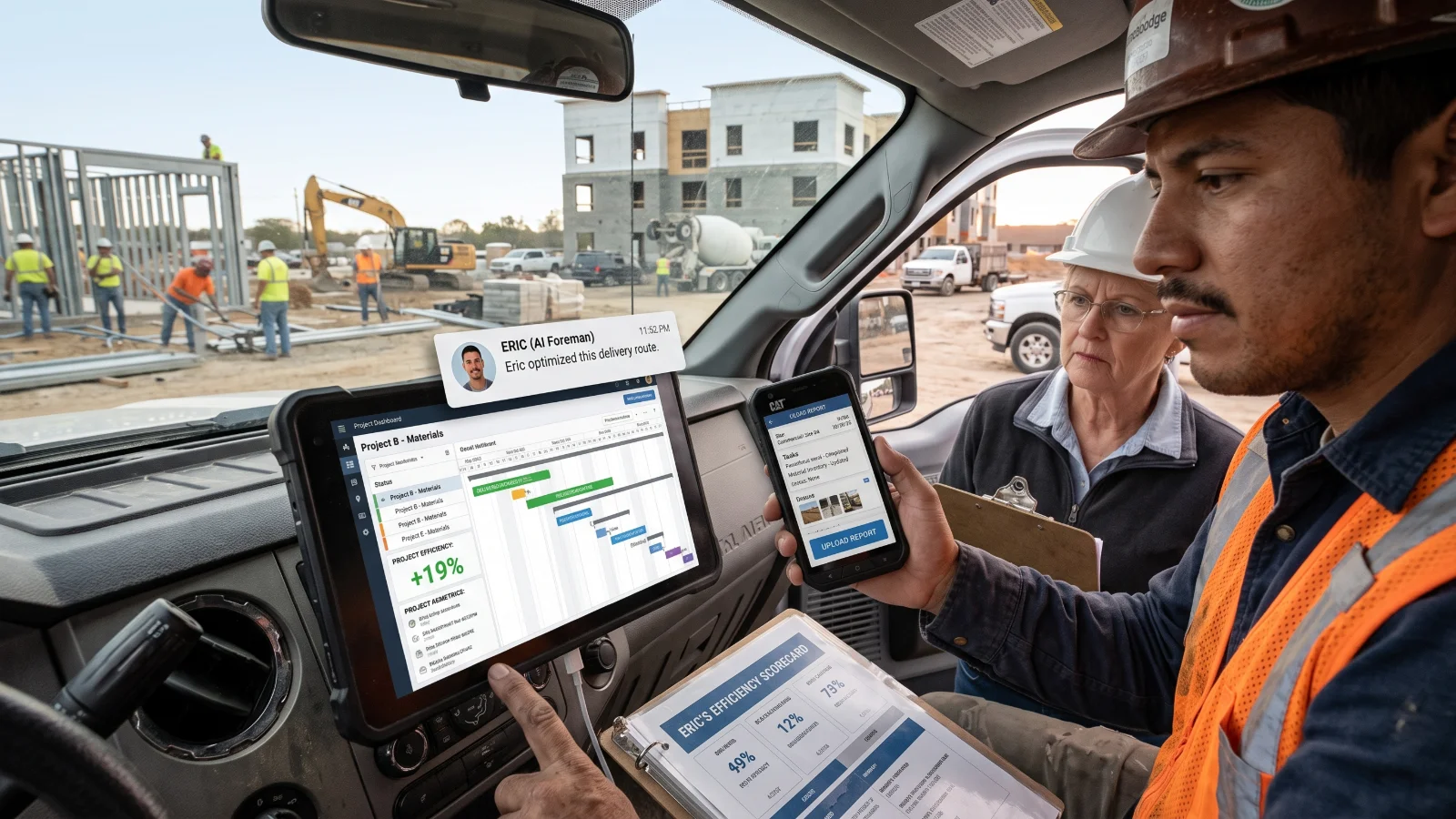
Optimize crew assignments by balancing skills and availability with data-driven scheduling, conflict detection, and rule-based AI recommendations in WorkSkedge.
Many contractors struggle to optimize crew assignments, often leaving efficiency on the table.
The Challenge of Balancing Skills, Availability, and Travel Time
Assigning work to your crew is not just about putting people on a work order. You must juggle who has the right skills, who is actually available, and how much time workers will spend driving between sites. WorkSkedge helps by allowing you to assign employees to work orders with specific date ranges and working hours. The system flags conflicts if an employee is double-booked across work orders or has approved time off, while clearly showing which employees are available for a given date range. Note that employees can only be assigned to work orders, not directly to projects.
How Top Performers Leverage Data for Smarter Assignments
Top performers use data to make smarter crew assignments. WorkSkedge's Advanced Dispatch and Advanced Scheduling features provide the tools for this workflow. The system offers conflict detection for overlapping assignments and vacation time, as well as live availability checking. It also supports partial scheduling, meaning multiple employees can work on the same work order on the same day, complete with visual indicators for same-day bookings. You can specify exact start and end times for each assignment, which is crucial for tracking working hours accurately.
The Impact of Optimized Scheduling on Project Timelines and Costs
Optimized scheduling directly impacts project timelines and costs. By ensuring the right crew is on the right work order at the right time, you reduce delays and avoid costly rework. WorkSkedge supports this with a planning workbench for the next 7 to 14 days, highlighting what work needs a crew and who is free. This proactive approach minimizes downtime and keeps projects moving forward efficiently.
Moving from Manual Adjustments to Data-Driven Decisions
Stop guessing and start using data. WorkSkedge's Advanced Dispatch and Advanced Scheduling are designed to help you transition from manual adjustments to data-driven decisions. The AI Foreman, Eric, reads the schedule horizon, unscheduled work, and your established scheduling rules. He proposes solutions, but a human always approves them. This setup delivers intelligent suggestions without removing your control over the schedule.
The AI Foreman for Daily Dispatching and Advanced Scheduling
Eric, the AI Foreman, is built directly into WorkSkedge's Advanced Dispatch and Advanced Scheduling modules. For daily operations, Eric reads the live dispatch board, disruptions, and crew scorecards to propose solutions for immediate issues. For longer-range planning, he evaluates the next two weeks to identify who is booked, where slack exists, and what work still requires a crew, ensuring the right team is assigned to each work order.
Setting Crew and Scheduling Rules for AI-Driven Optimization
To get the most out of the AI Foreman, configure your crew and scheduling rules in advance. WorkSkedge allows you to define pairing rules, such as "Always pair" or "Never pair" for specific crew members, as well as flags like "Needs supervision." Crew members also have a rolling 90-day scorecard that tracks:
- Jobs completed
- On-time starts
- Reports submitted
- Expected versus actual hours
This scorecard data—along with availability, required skills, equipment familiarity, and same-day continuity—is used to rank candidate crew members for each work order. You can configure and manage these rules and scorecards via the "Crew rules" dialog on the dispatch board and Advanced Scheduling page to guide how Eric generates proposals.
Frequently asked questions
Can you assign an employee directly to a project in WorkSkedge?
No. In WorkSkedge, employees can only be assigned directly to work orders, not directly to overall projects. You can assign workers to work orders with specific date ranges and exact start and end times to balance site availability, manage working hours, and track crew schedules accurately across jobs.
How does WorkSkedge handle double-booking and schedule conflicts?
WorkSkedge provides built-in conflict detection that automatically flags whenever an employee is double-booked across multiple work orders or has approved time off. It also checks real-time availability for any given date range, helping dispatchers spot overlapping assignments and schedule around approved vacations before finalizing daily crew assignments.
What does the AI Foreman Eric do in WorkSkedge?
Eric is an AI assistant built into Advanced Dispatch and Advanced Scheduling. Eric reviews the live dispatch board, schedule horizon, unscheduled work, disruptions, and crew rules to propose assignment solutions for today and the next two weeks. Every proposal requires approval from a human before taking effect.
What crew rules and metrics help rank workers for work orders?
You can define rules like Always pair, Never pair, and Needs supervision in the Crew rules dialog. WorkSkedge also tracks a rolling 90-day scorecard measuring jobs completed, on-time starts, submitted reports, and expected versus actual hours, combining this with skills, availability, continuity, and equipment familiarity.
See how this works in your shop
Walk through dispatch, offline field work and live job costing with someone who knows your trade.
Request a demo